
Methodox Office, the Start Centre
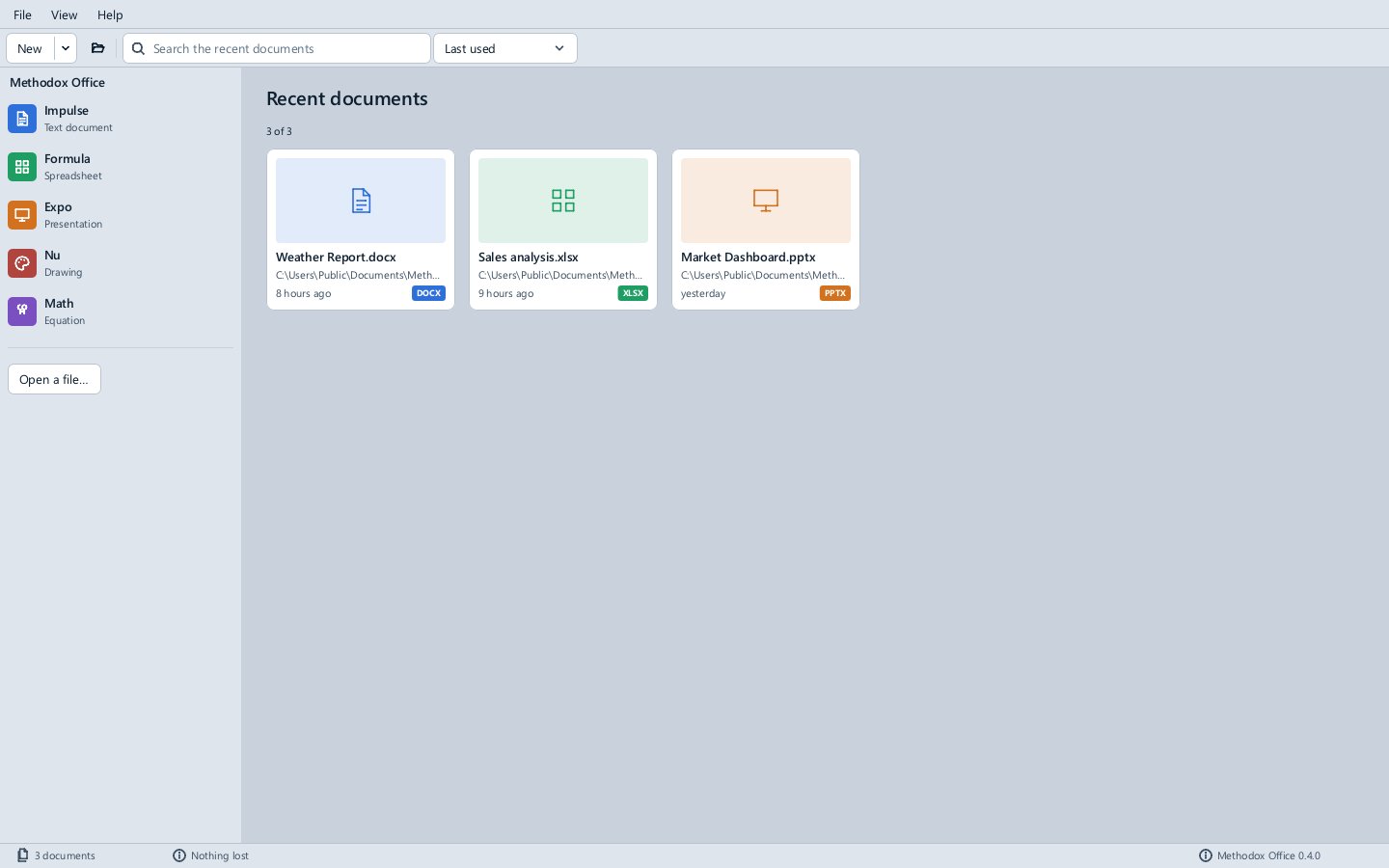
Methodox Office (MethodoxOffice.exe) is the window that opens the others: every application of the suite down the left, and the documents you used lately beside them.
Starting an application
Click Impulse, Formula, Expo, Nu or Math to open that application with a new document; with the keyboard, move to one and press Enter or Space. New in the toolbar does the same, and its arrow lists the kinds of document.
Opening a document
Open a file… (or the folder button in the toolbar, or File ▸ Open), or dropping files on the window, opens any document the suite reads, in the application its type belongs to: .docx in Impulse, .xlsx in Formula, .pptx in Expo, .drawio in Nu, .mml in Math and so on (the file formats page has the whole list). A file no application reads is refused with a message saying so.
Recent documents
Recent documents lists the documents you opened or saved in any of the applications, as cards you open with a click or Enter. The search box above filters them by name, and the list beside it sorts them by when they were last used, by name or by kind. Delete on a card removes it from the list without touching the file, a card whose file has gone is removed when you open it, and Clear the recent list empties it. Every application's File ▸ Recent documents shows the same list.
The status bar counts the documents listed and shows the version of Methodox Office.
See also
- The window and your documents
mos, which opens the Start Centre when given nothing to open