
SteelPython
The Python you know, running on .NET.
SteelPython is an implementation of Python 3.12 by Methodox Technologies, Inc. It runs the language, the standard library and the packages you already use - including the ones with compiled code inside, such as numpy, pandas, scikit-learn, matplotlib and PyTorch (on the GPU too) - and because it runs on .NET, Python and C# can call each other directly, in one process, without a bridge.
- Python version: 3.12
- Platform: Windows, 64-bit
- Comes with: Divooka Compute
Getting SteelPython
SteelPython is publicly available only as part of Divooka Compute on Steam; it is not distributed as a separate download. Install Divooka Compute and you have SteelPython, its IDE and its notebook.
A standalone SteelPython SDK - the interpreter on its own with an installer, and the .NET package for building SteelPython into your own applications - is available to corporate users. Write to contact@methodox.io for details.
What is in the box
spy |
The interpreter: the counterpart of python. spy script.py, spy -m module, spy -c "...", or just spy for the interactive prompt. |
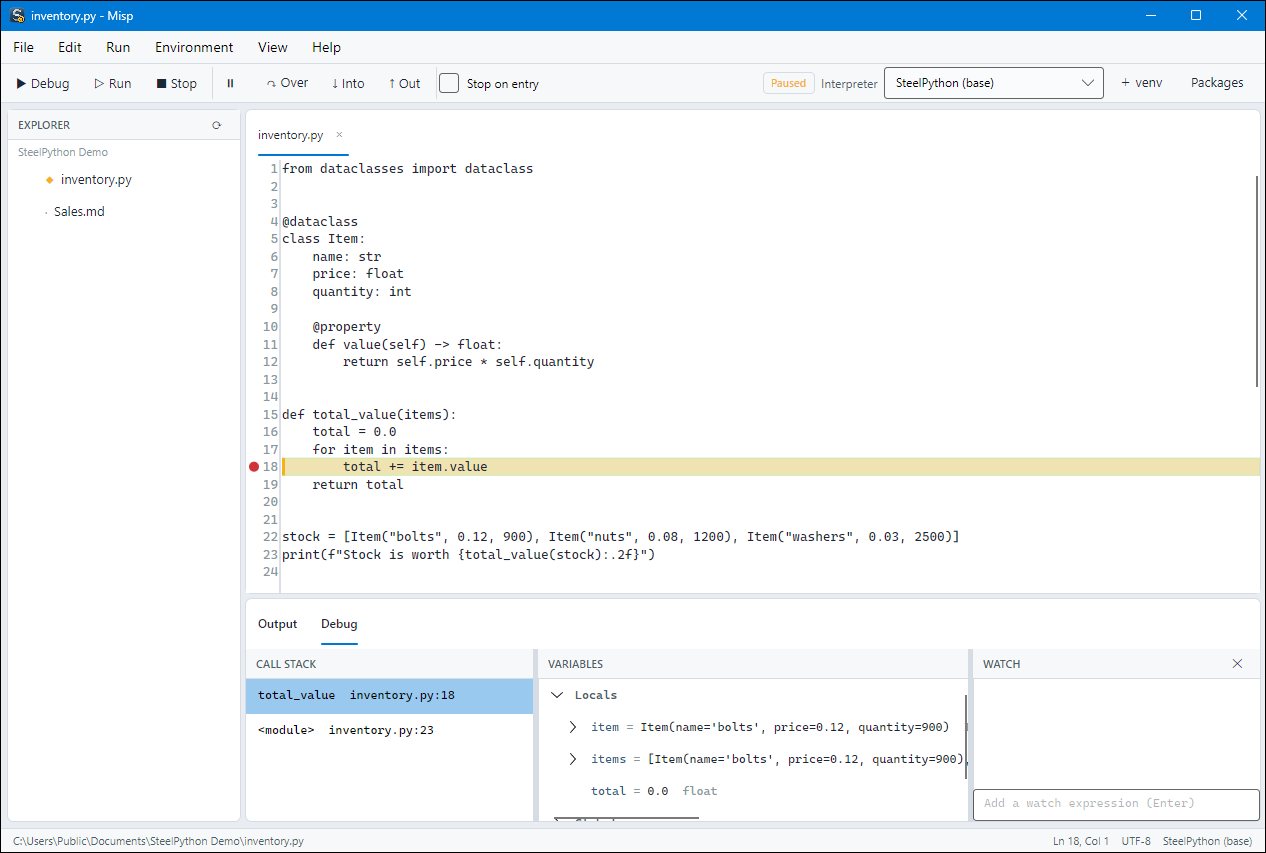
| Misp | An IDE for Python: editor, debugger with breakpoints and stepping, virtual environments and packages. |
| Spy Notebook | A notebook of Python and Markdown cells, saved as plain Markdown, that opens Jupyter notebooks too. |
| pip and venv | Install packages from PyPI and create virtual environments exactly as with CPython. |
| .NET | Use any .NET library from Python with import clr, and write extensions in C#. |
Is it really Python?
Yes. SteelPython follows CPython 3.12: the same syntax, the same built-in types and behaviour, and CPython's own standard library. It is checked against CPython's own test suite, and more than a hundred popular PyPI packages - numpy, pandas, scipy, scikit-learn, matplotlib, PyTorch, polars, pydantic, Flask, FastAPI, Django and others - are run on it and compared with CPython. Packages install from the same wheels CPython uses, so nothing needs to be compiled.
It is not CPython, though, and a few things behave differently: most notably, threads really run in parallel (there is no global interpreter lock), and objects are freed by the .NET garbage collector rather than the moment their last reference disappears. Everything that differs is listed in Differences from CPython.
The guide
| Page | What it covers |
|---|---|
| Getting started | Finding spy, the interactive prompt, running scripts and modules, the command line |
| Differences from CPython | What works differently, what is missing, and what to expect of performance |
| Packages and environments | pip, virtual environments, binary wheels, GPU builds of PyTorch, building from source |
| Misp | The IDE: editing, running, debugging, interpreters and packages |
| Spy Notebook | Notebooks: cells, the kernel, the file format, Jupyter import and export |
| Using .NET from Python | import clr: .NET types, generics, events, async tasks, conversions and exceptions |
| Writing extensions | Extension modules in C (the CPython C API) and in C# |
| Embedding in C# | Running Python inside a .NET application with the SteelPython SDK |
Learning Python itself
This guide covers what is particular to SteelPython. For the language and the standard library, the official CPython documentation applies as written:
- The Python Tutorial
- The Python Standard Library
- The Python Language Reference
- Installing Python Modules and the Python Packaging User Guide
Wherever those pages say python, use spy.