
Divooka Compute
Divooka Compute is the professional editor for Divooka, the visual programming language. You write a program by placing nodes on a canvas and wiring them together, and run it two ways: interpreted, node by node, with every node's result on the canvas and a debugger; or compiled into a program first, which runs far faster. It holds several documents at once in tabs over a workspace of folders, a document declares the packages, libraries and other documents it uses, and the tools beside it run a document without the editor - from its own terminal, a script or a server.
Read in this order
The pages build on each other, and the first three are enough to write and run a program.
- Installing and starting - getting Divooka Compute and opening it for the first time.
- The window - the start screen, the workspace and the tabs, the canvas, the panels, and where the nodes are.
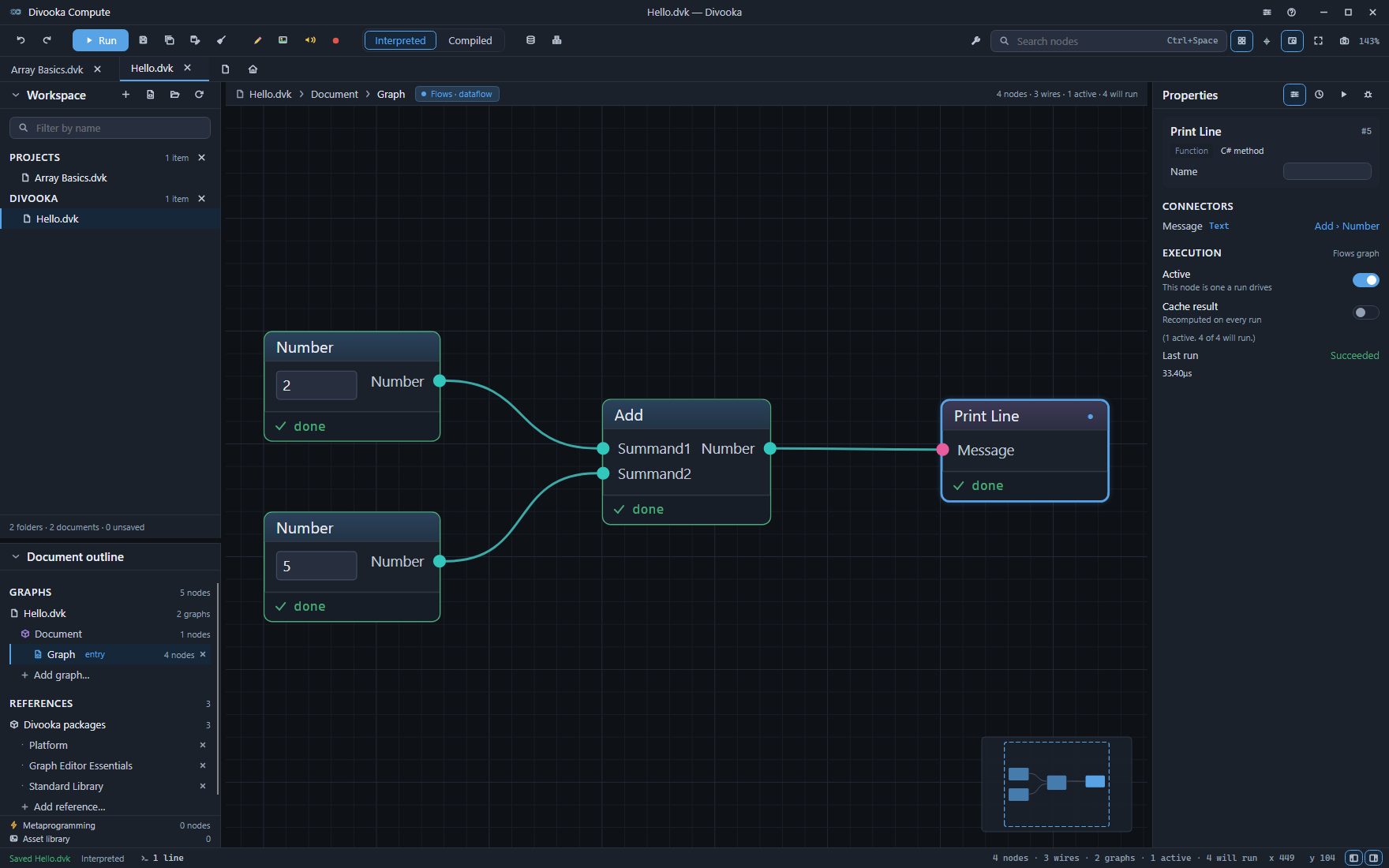
- Your first program - a document that adds two numbers and prints the answer.
- Nodes, pins and wires - placing, connecting, selecting and arranging.
- Graphs and members - Flows, Functions, Routines, Events, Types and the declarative kinds, and data members with their starting values.
- Running and the console - the two run modes, what a run does, and where its output goes.
- Debugging - breakpoints, stepping, and reading values while a run is paused.
- References - the packages, libraries and documents a document uses.
- Examples - opening a copy of a shipped example.
- Saving - saving, auto-save, closing and reopening.
- Exporting a program - running a document without the editor, and packing it to hand on.
- Keyboard shortcuts - every key in one table.
See also
- Divooka Language - the language itself: its concepts, graphs and topics.
- Stewer - the command-line runner Divooka Compute ships.