
Getting Started
This page makes the same small game three ways. Pick the one that suits you; the game, and everything you learn about the script language, carries over to the others. Installation says where each tool comes from.
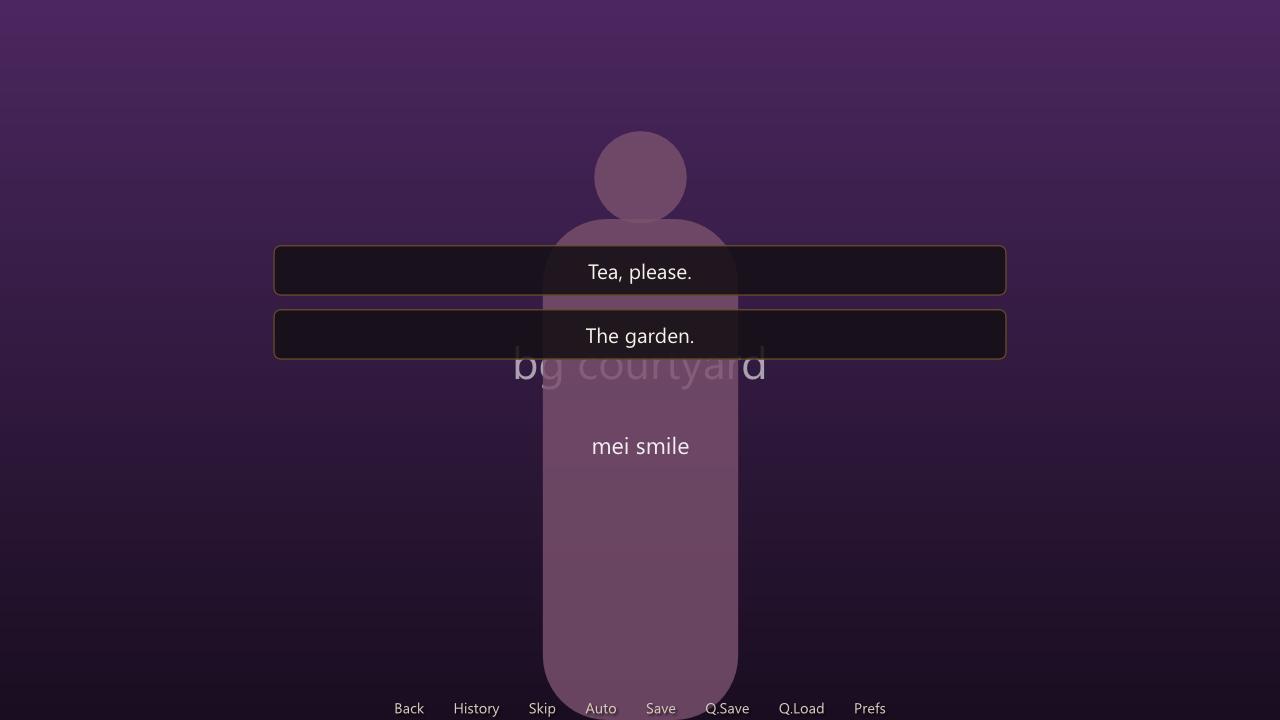
You do not need any art to start. An image the story names but cannot find is drawn as a placeholder (a silhouette for a character, a gradient for a background), and the engine draws its own dialogue window and menus in the theme's colours, so a story is playable from its first line.
The story
Every version below plays this script. Save it as game.novella (UTF-8):
define config.title = "The Garden"

character q "Qinglan" color "#c0392b" image qinglan
default met_before = false

label start:
    scene bg garden with fade
    "Plum blossom, and nobody in the garden but one girl with a guqin."
    show qinglan smile at right with dissolve
    q "You came."
    menu:
        "I did.":
            q "Then sit with me a while."
        "I was passing.":
            $ met_before = true
            q annoyed "Of course you were."
    q "Listen, then."
    return
Reading it from the top: define config.title names the game; character declares a speaker whose name shows in red and whose image tag is qinglan; default gives a variable its starting value. The game starts at label start. scene clears the stage and shows the background bg garden; a line in quotes alone is narration; show puts Qinglan on the right; q "..." is her speaking; menu offers two choices; q annoyed "..." changes her expression to qinglan annoyed as she speaks, and it stays changed; return with nowhere to return to ends the game and goes back to the main menu.
Way 1: a folder of scripts
Make a folder named
The Gardenand putgame.novellain it.Add art if you have it. Images are named from their paths, so these files are exactly the images the script asks for:
The Garden/
  game.novella
  bg/garden.jpg                    -> bg garden
  sprites/qinglan/smile.png        -> qinglan smile
  sprites/qinglan/annoyed.png      -> qinglan annoyed
A top folder called
images,spritesorcharactersis dropped from the name, the rest of the path becomes words, and names are lower case.Run it:
NovellaPlayer run "The Garden"The main menu opens. Click Start.
Check it:
NovellaPlayer lint "The Garden"lists anything the story refers to that does not exist, such as an image name with no file behind it.
While you write, NovellaPlayer run "The Garden" --developer turns on the developer tools: Shift+R reloads the scripts and restarts the label you are in, and Shift+O opens a console where jump label_name warps to a label.
Way 2: C#
Create a .NET 10 console program that references the Novella project (see Installation), put the folder from Way 1 beside it as Assets, and write:
using Novella;

NovellaGame game = new("The Garden", 1920, 1080);
game.AddAssetFolder("Assets");
game.LoadScriptsFromAssets();
game.Run();
AddAssetFolder tells the game where its files are, LoadScriptsFromAssets loads every .novella file among them in path order, and Run opens the window and returns when the player quits. A script's define config.width and define config.height would override the resolution given here.
Code can do what a script cannot. Here the story asks the program for something with run:
    $ answer = "moon"
    run riddle answer
    if _return:
        q "Correct."
using Novella.Values;

game.RegisterCommand("riddle", arguments => Value.FromBoolean(arguments[0].AsText() == "moon"));
The command's result is put in _return. Development covers the C# API properly, including writing the game as a class.
Without a script
The story can be C# too. The story builder writes the same labels the script above does, so the game saves, loads and rolls back exactly as the scripted one; the Assets folder then needs only the art:
using Novella;
using Novella.Building;

NovellaGame game = new("The Garden", 1920, 1080);
game.AddAssetFolder("Assets");
game.WriteStory(story =>
{
    story.Character("q", "Qinglan", color: "#c0392b", image: "qinglan")
        .Default("met_before", false);
    story.Label("start", s => s
        .Scene("bg garden", with: "fade")
        .Narrate("Plum blossom, and nobody in the garden but one girl with a guqin.")
        .Show("qinglan smile", at: "right", with: "dissolve")
        .Say("q", "You came.")
        .Menu(m => m
            .Choice("I did.", c => c.Say("q", "Then sit with me a while."))
            .Choice("I was passing.", c => c.Set("met_before", true).Say("q", "Of course you were.", "annoyed")))
        .Say("q", "Listen, then.")
        .Return());
});
game.Run();
Conditions can be C# lambdas, such as .If(v => v.Flag("met_before"), ...), or built values that read back as script. Development has the whole builder.
Way 3: Divooka
As a procedure (Routine graph)
- Create a document with a Routine graph.
- Open the document's asset library (in Divooka Compute, the Asset library tool or Ctrl+Shift+A) and use Import files… to bring in
game.novellaand any art, keeping the folder names the script relies on. - From the Novella toolbox, chain these nodes on the execution path:
- Make Novella Game, with the title
The Garden, width1920and height1080. - Add Library Assets, with the game wired in. Its library input is supplied by the document, so it needs no wire.
- Load Scripts From Assets, with the folder left empty to load every script in the library.
- Run.
- Make Novella Game, with the title
- Run the graph. The game opens in its own window.
Instead of importing a script file, you can type the script into a Load Script node, or skip scripts and define things with nodes such as Define Character and Set Config.
As data (Function graph)
The story can also be written as nodes, with no script at all:
- Create a Function graph.
- Chain Start Sequence → Scene (
bg garden, withfade) → Show (qinglan smile, atright, withdissolve) → Say (characterq, textYou came.). - Make Label with the name
startand the sequence. - Start Story → Add Label (the label) → Add Character, fed by Make Character (
q,Qinglan,#c0392b, imageqinglan). - Make Game Definition with the title and the story.
- Select the Make Game Definition node and open its Custom Preview in the Properties panel. The game plays in a window, with saves kept in memory and the developer console on.
Any node along the chain previews: a sequence plays as a one-label story, and a story with no start label starts at its first label. Conditions and changes to variables are nodes too (If with Variable At Least, Apply Effect with Add To Variable), and a game can be written as scenes with Make Scene, each a background, music, lines and where the story goes next. Without the custom preview, the same values preview as the script they amount to, so you can read what a chain of nodes has written.
Novella in Divooka explains every node, the Events graph way of writing a game, and how a Function graph that describes a game is called from a Flows graph.
Next
- Concepts: what a story, the stage and a checkpoint are.
- Script Language: everything a script can say.
- Theming: fonts, colours and a dialogue window with your own art.