
Examples
The Explore examples
The Visual Novel folder of the Divooka Explore example pack teaches Novella in order, from three nodes to a whole game. Every document runs as it is: the three complete games, Moon Festival Riddles, A Match for the Matchmaker and The Red Thread, carry their art, sound and scripts in the document's library. Eleven of the documents, from Variables and Effects to A Lantern Stall, teach the nodes that write a story without any script, one idea at a time; each is played through a small Play Routine, as Story as Nodes is.
Every example on this page ships with Divooka Explore, The Red Thread included; nothing here has to be fetched separately.
| Example | Style | What it teaches |
|---|---|---|
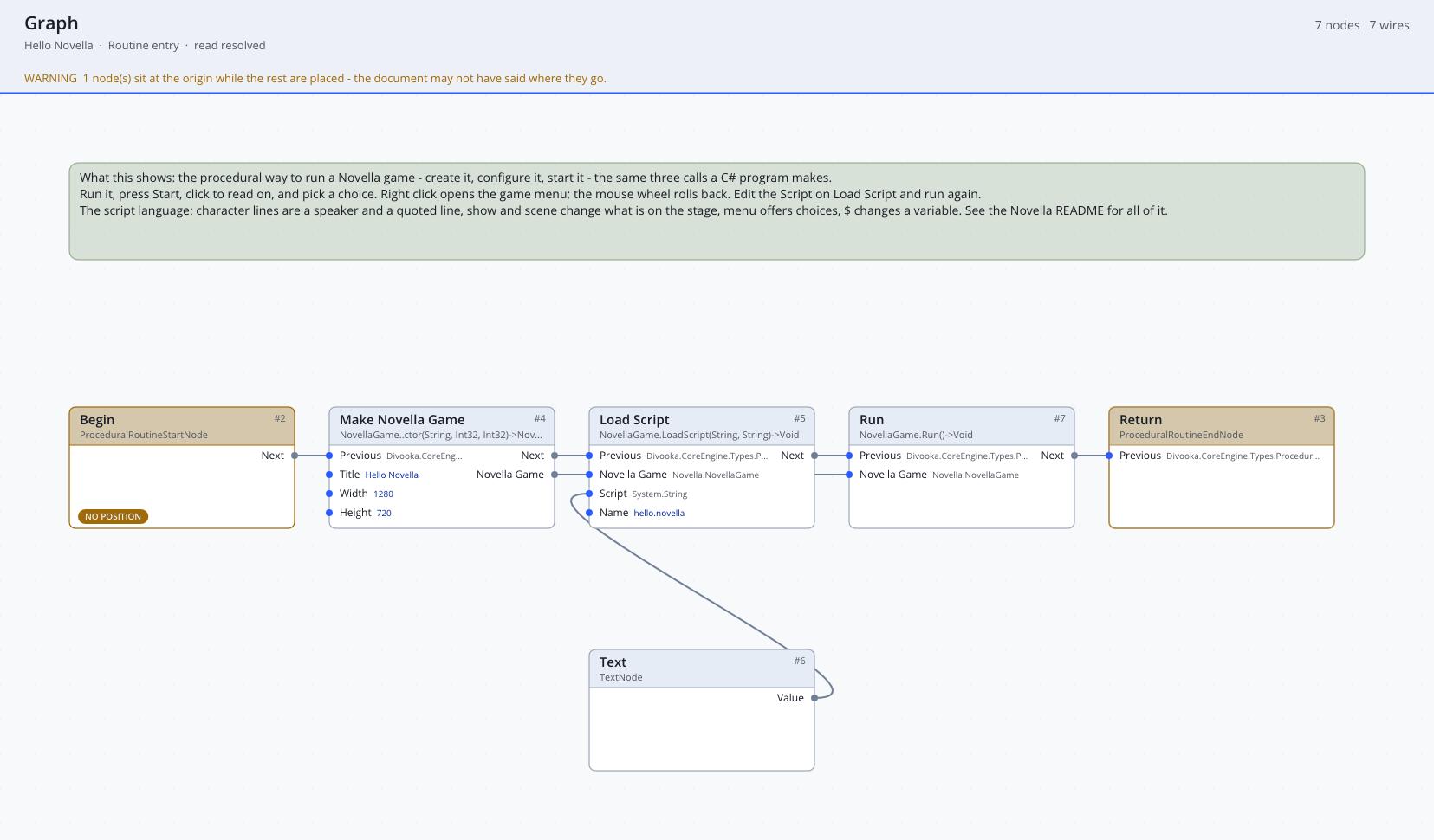
| Hello Novella | Routine graph | The smallest game: Make Novella Game, Load Script with the story on a Text node, Run. The story has no art yet, so Novella draws placeholders. |
| Characters and Images | Routine graph | A game configured from nodes rather than script definitions: Define Image with colour panels beside the built-in black and white, Define Character with colours and image tags, Set Theme and Set Default. |
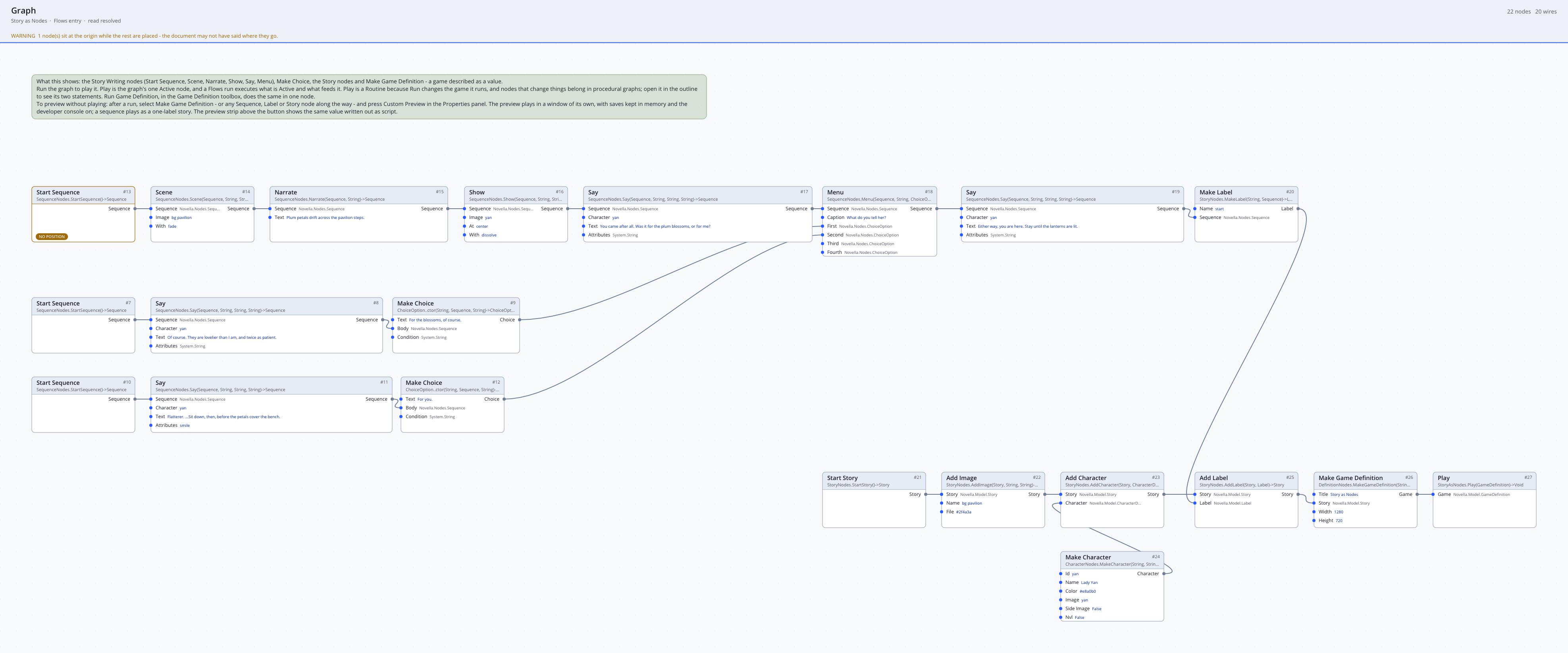
| Story as Nodes | Flows graph | A scene built as data: Start Sequence, Scene, Narrate, Show, Say and a Menu whose choices are Make Choice nodes, then Make Label, Start Story, Add Label and Make Game Definition. |
| Variables and Effects | Flows graph | The script-free nodes, 1 of 11. A night-market scene: Add Default gives variables their starting values, and Apply Effect changes them where it stands in the sequence, with Combine Effects, Add To Variable, Set Variable and Add To List; each change shows in the next line through [variable]. |
| Conditions | Flows graph | 2 of 11. A walk to the moon gate: one If per line on Variable At Least, Has Visited, Compare Variable and Variable Is Set, and two on All Of and Any Of with Not. The first label ends with Return, because a label built from nodes does not fall through into the next as a script's would. |
| Choices That Remember | Flows graph | 3 of 11. A ferryman's menu that the story comes back to with Jump, where Make Choice takes a Condition so that a question is offered until it is asked and the crossing only after. |
| Scenes | Flows graph | 4 of 11. Four scenes, each a Make Scene with a background, a transition and music, ending in Choose Scene (with a condition and an effect on a Scene Choice), Branch To Scene, Go To Scene and End Game, collected with Add Scene. |
| Achievements and Gallery | Flows graph | 5 of 11. A sky-lantern wish: Add Achievement (one of them hidden), Achieve in each choice, and Add Gallery Entry for a picture the Gallery unlocks once it has been seen. |
| Animation and Transforms | Flows graph | 6 of 11. Lanterns going up over the river: two animations built from Start Animation, Set Property, Animate Property, Also Change and Repeat, one named by Define Transform with a parameter and shown with Show With Options at truecenter, float and later float(60), the other wired straight into a Show With Options's Animation pin. The lantern is itself an animated image, made with Add Animated Image: Show Picture steps with Wait between them flicker it between a bright and a dim picture, wherever it is shown and however it moves. |
| Screens | Flows graph | 7 of 11. A riddle board laid out with Start Screen, Add Screen Text, two Add Screen Buttons and an Add Screen Timer whose actions are Answer, beside a status screen with Add Screen Bar; Add Screen puts both in the story, Show Screen lays the status over the scene, Call Screen asks the board twice, and an If tests the answer in _return. |
| A Bag of Gifts | Flows graph | 8 of 11. A screen laid out in boxes that follows the story: Start Screen, then Add Box (a frame holding a vbox) whose contents start from Start Contents: a title, Add For Each over the bag list with a button per gift (its action Then Action of Set Variable To Action chosen = item and Close Screen), and Add If with a line for an empty bag. The story calls the screen, takes the gift out with Change Variable By Variable (bag -= chosen), and calls it again with one button fewer. |
| Logic in Function Graphs | Function and Flows graphs | 9 of 11. Tests and values the Conditions and Effects nodes cannot put together, still without script: two member Function graphs take a Story Variables and read it with Number, one of its const members, which is what lets a dataflow Function graph call it; Is Generous answers true or false and Blessing a number, and Condition From Function and Number From Function name them on their function pins. |
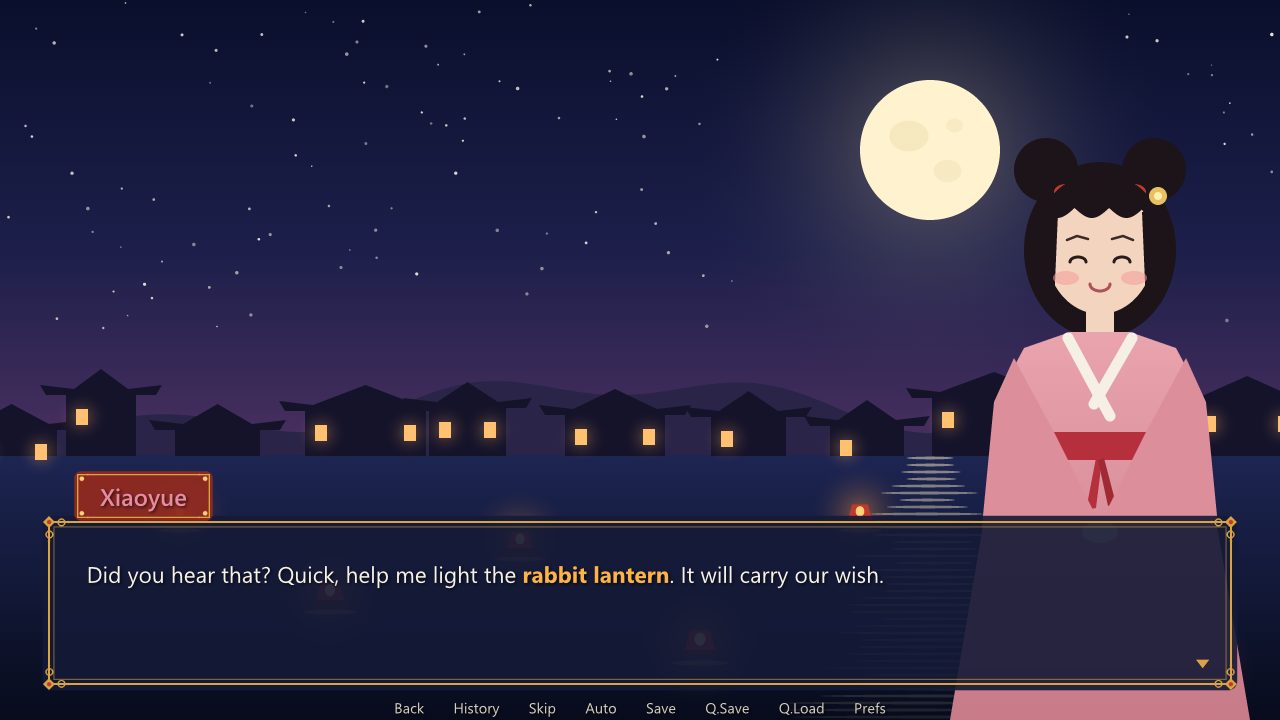
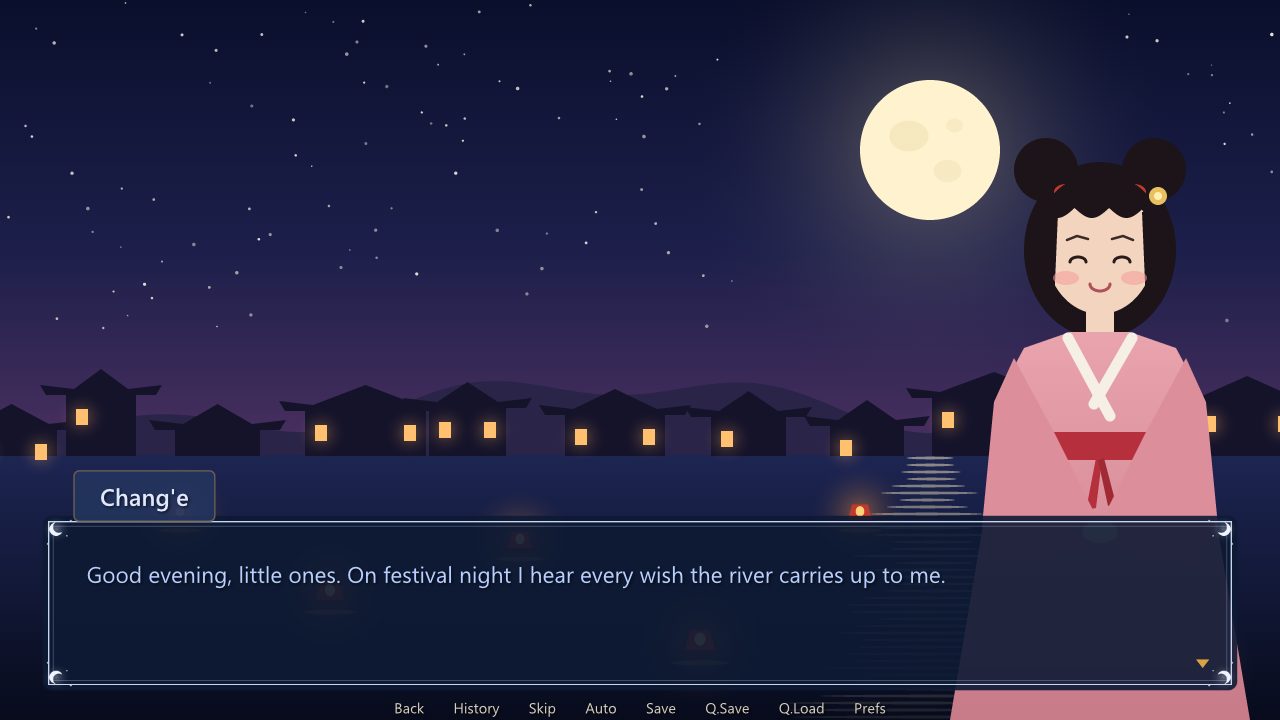
| Styles | Flows graph | 10 of 11. Novella's own screens restyled on a festival night, a row per style: Start Style, a Set Style Property for each property with its value as a script writes it ("gui/window.png" in quotes, (64, 64, 64, 64) in brackets), and Add Style. The dialogue window and the name tab get painted nine-patch pictures, the choices one picture idle and another under the pointer (State hover); Chang'e speaks in a window of her own, moon_window, whose parent is say_window, through Character Part Style and Set Character Style Property; and {style=lantern} styles two words of a line. Styles has the whole system. |
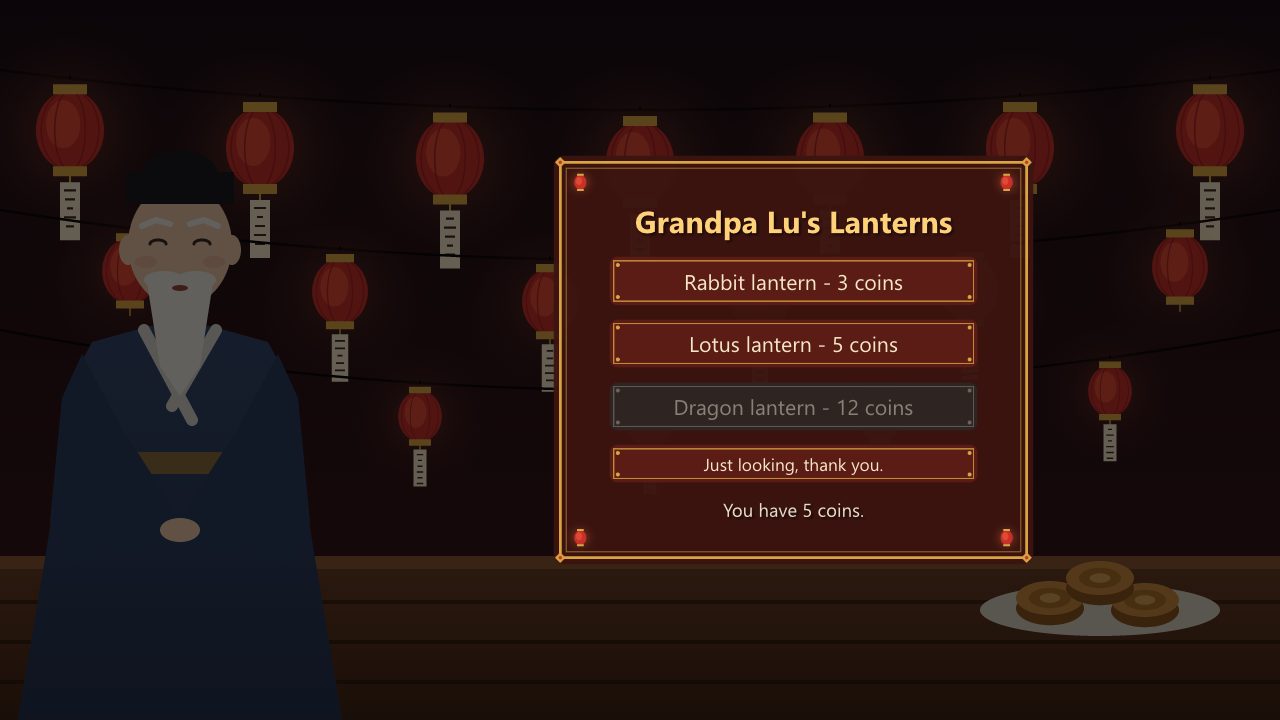
| A Lantern Stall | Flows graph | 11 of 11. A game's own screen styled from nodes: Set Screen Style Prefix stall, so the screen's buttons, their labels and its text draw with stall_button, stall_button_text and stall_text; stall_button has a picture idle, under the pointer (hover) and out of reach (insensitive, for the lantern the purse cannot buy); Style Last Element names stall_sign for the box and stall_title for the title; and Set Last Element Style Property sets text_size on one button alone. The screen is called twice, and each lantern's button pays with Set Variable To Action. |
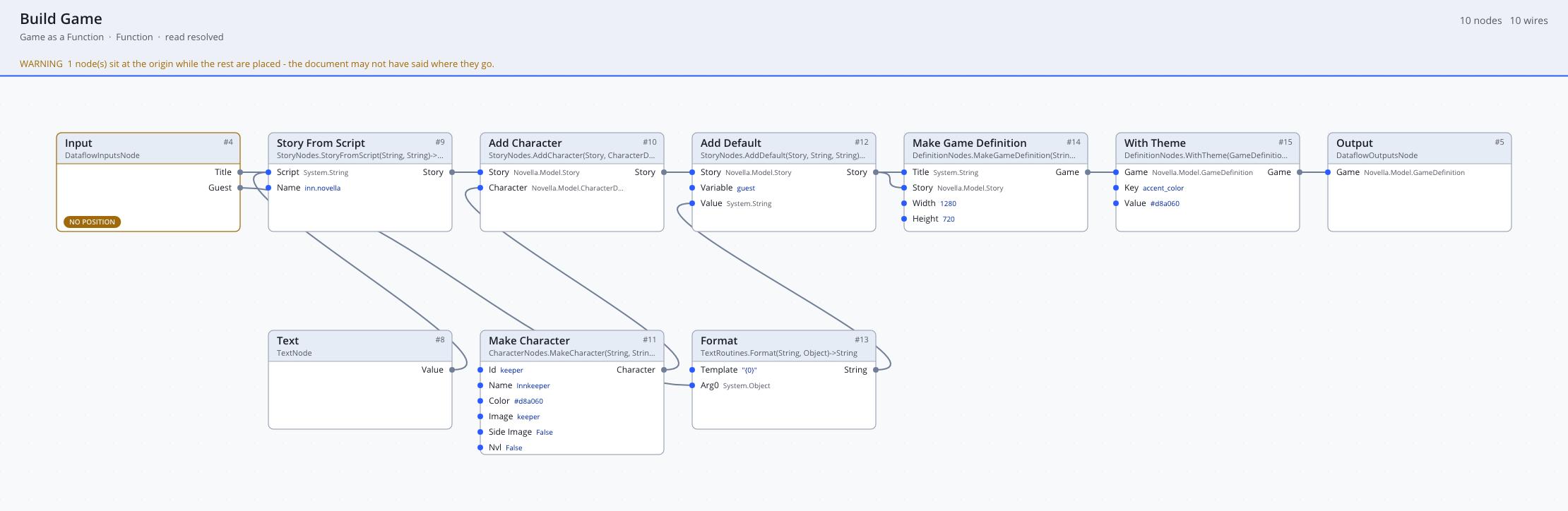
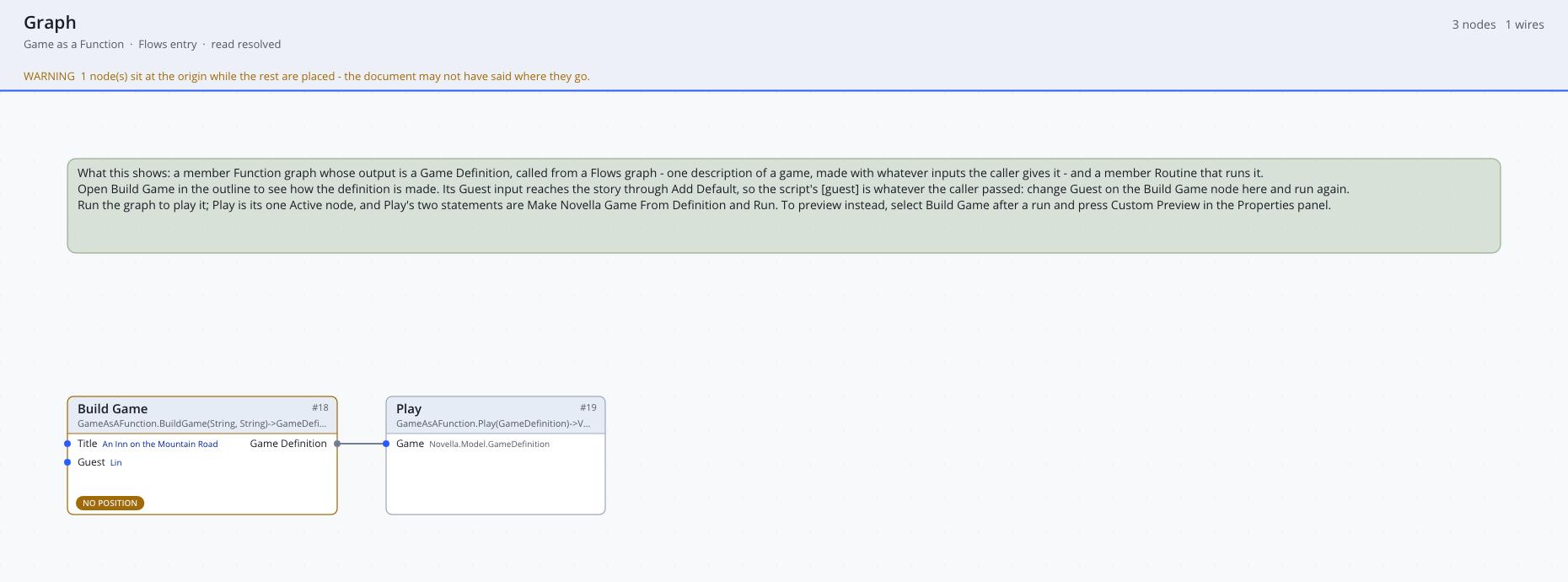
| Game as a Function | Function and Flows graphs | The functional workflow: a member Function graph, Build Game, returns a Game Definition, and the Flows graph calls it and plays it. |
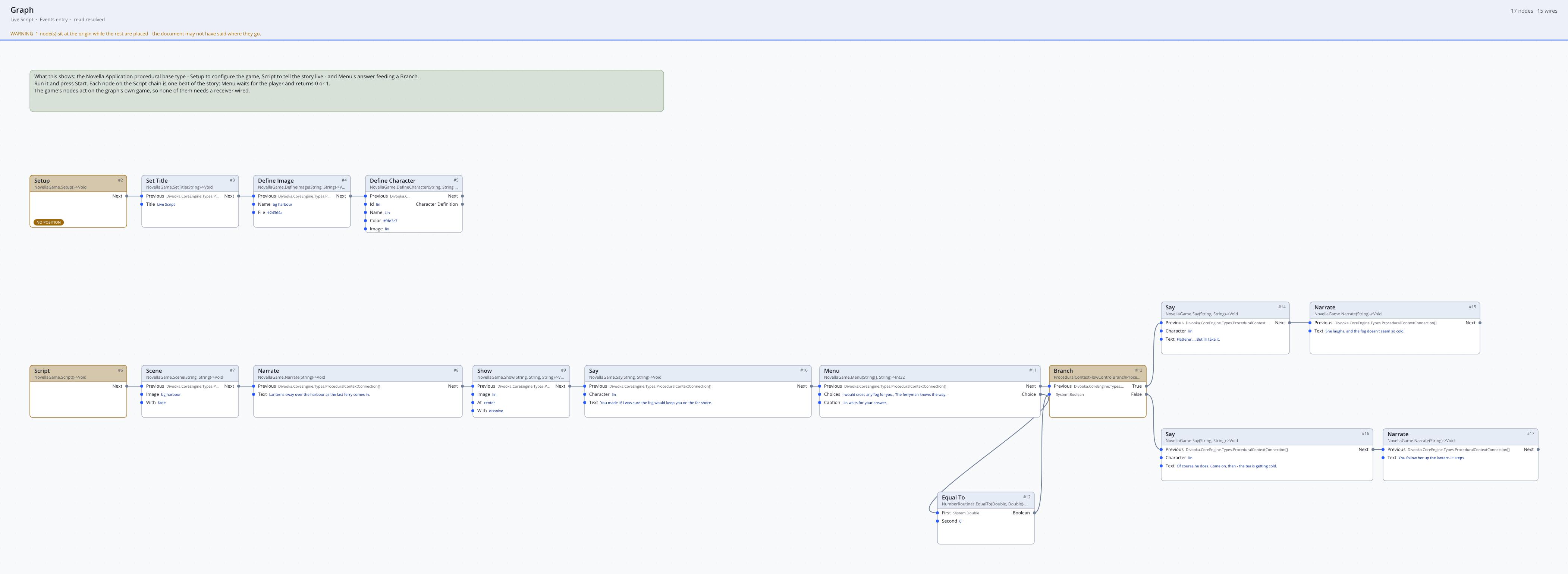
| Live Script | Events graph | A Novella Application whose Script event is the story, with a Menu's answer feeding a Branch, and why a live script cannot be saved. |
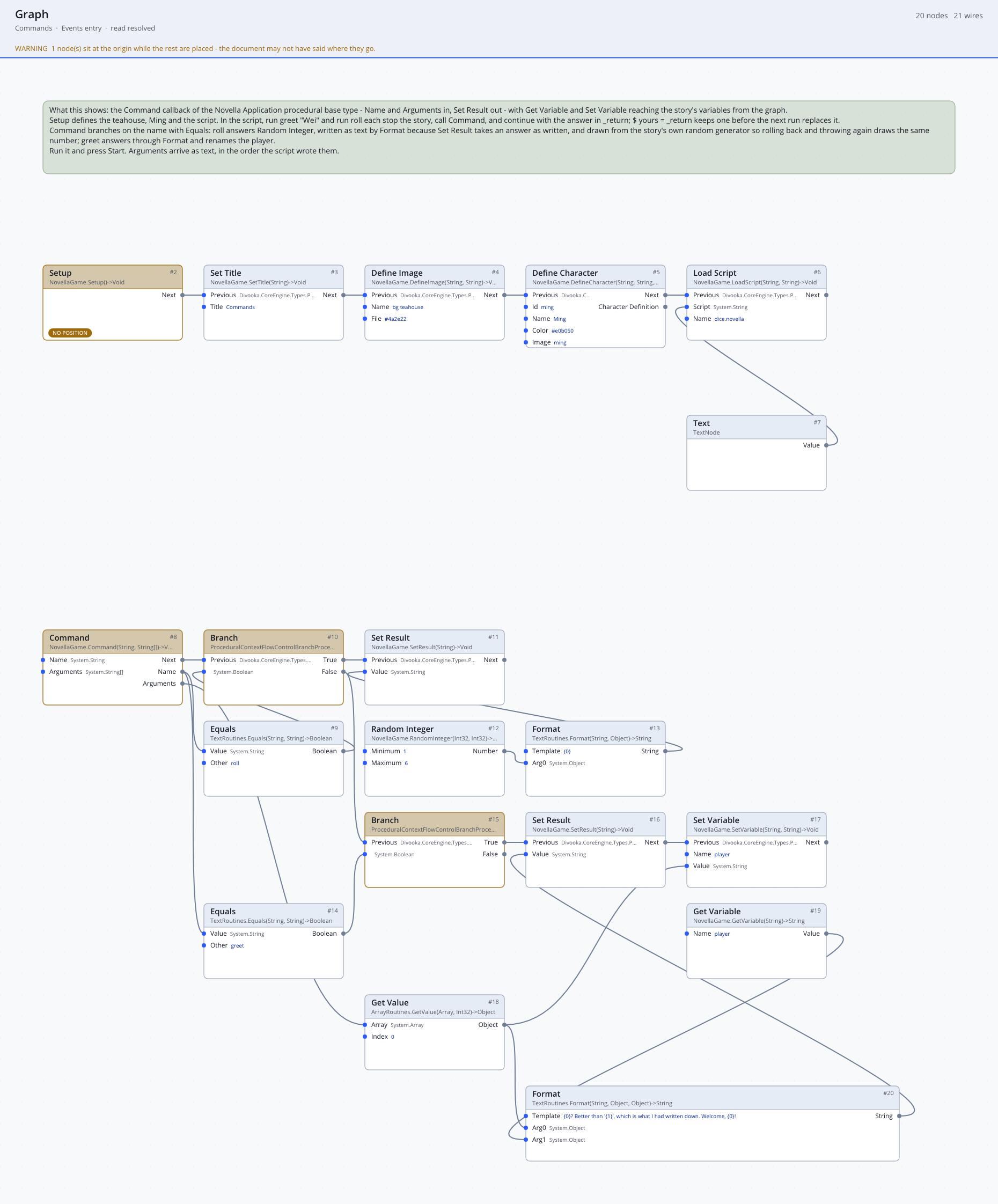
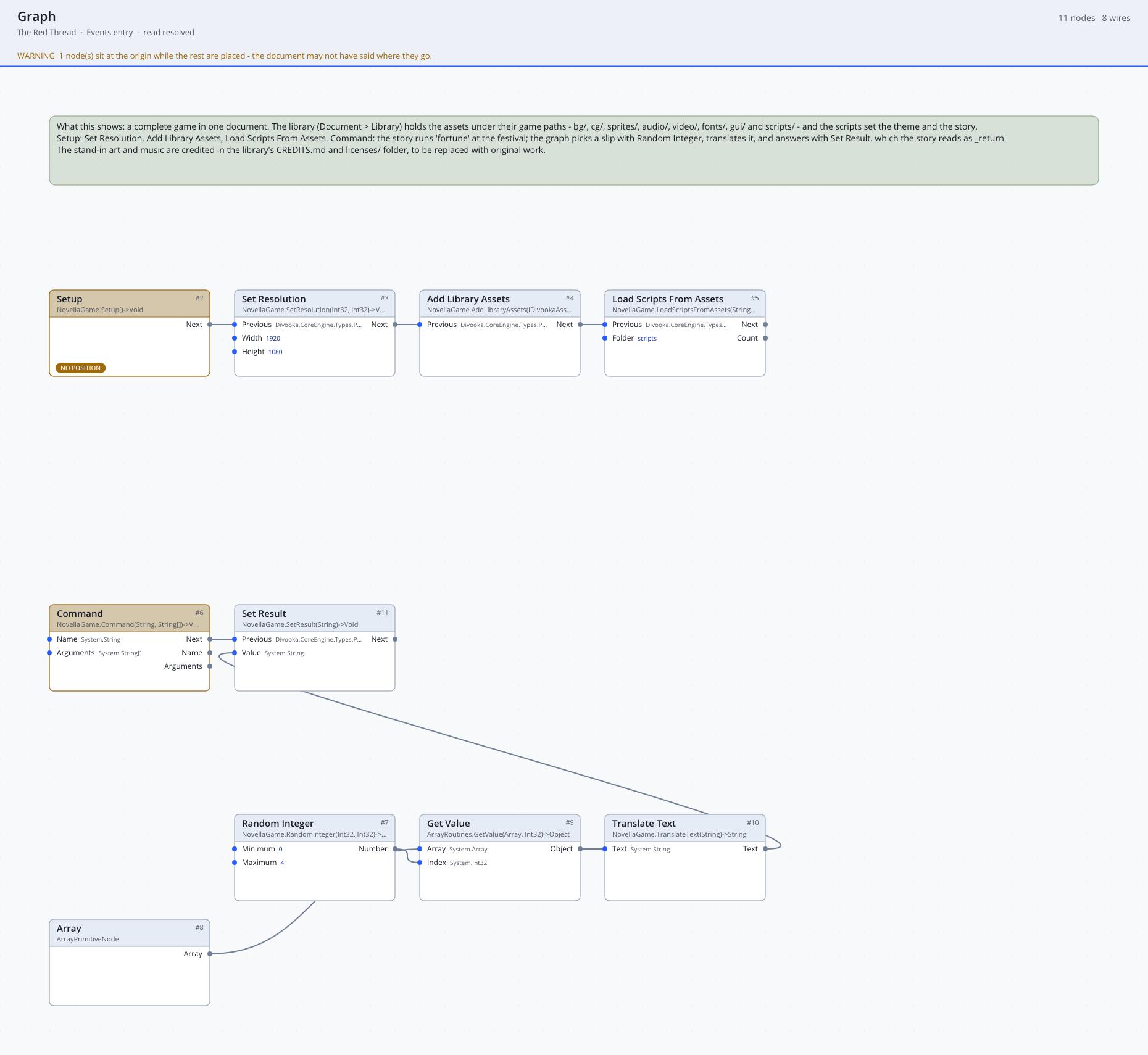
| Commands | Events graph | The script's run roll and run greet "Wei" answered by the Command event through Set Result, with Get Variable and Set Variable reaching the story's variables. |
| Moon Festival Riddles | Events graph | A small complete game: lantern riddles at the Mid-Autumn Festival, three riddles, two endings, a gallery picture and three achievements, its art painted by the recipe that wrote it. |
| A Match for the Matchmaker | Function and Flows graphs | A whole game in nodes, with no script: a side story of The Red Thread in its art and music, each of its six scenes a member Function graph returning a Scene. Described below. |
| The Red Thread | Events graph | The sample game below, whole: 87 files embedded in the library, Setup loading them and Command answering the story's fortune. |
Run any of them, or play a definition from the Custom Preview in the Properties panel: select Make Game Definition (or any Sequence, Label or Story node) after a run and press Custom Preview. See Novella in Divooka for every node these examples use.
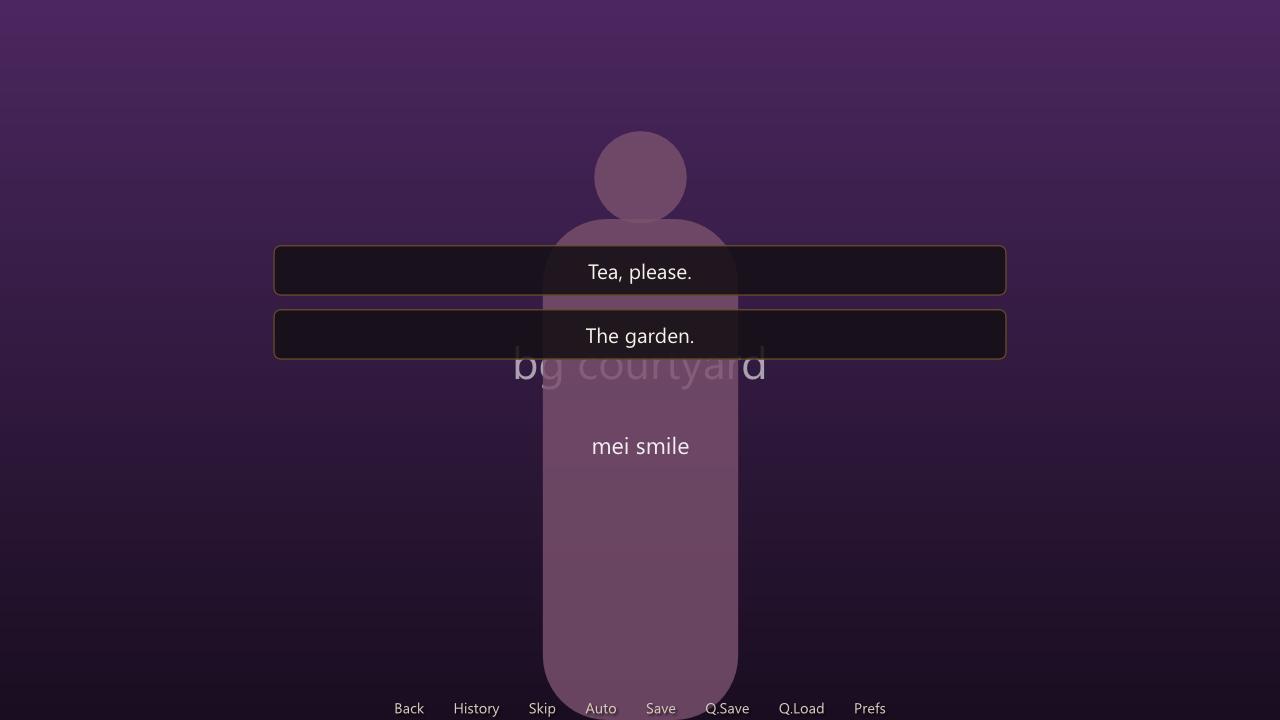
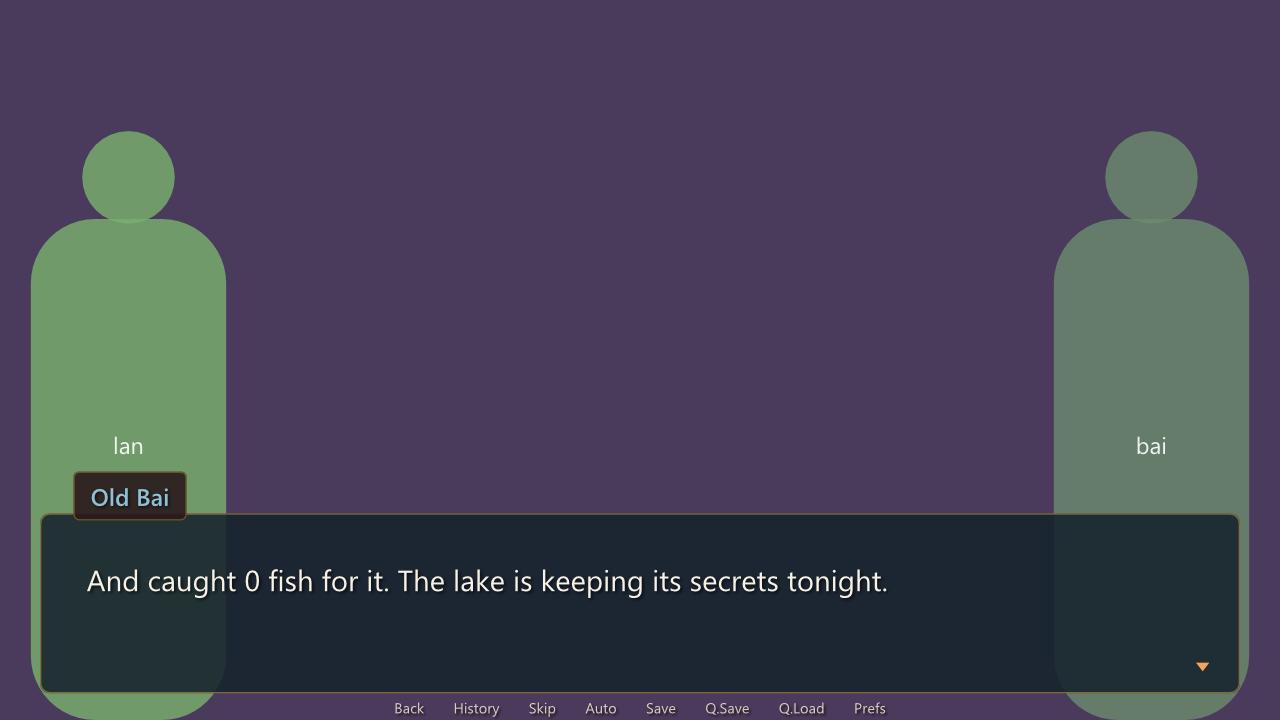
The smaller documents use Novella's placeholders and colour panels, which is how a game looks before its art exists:
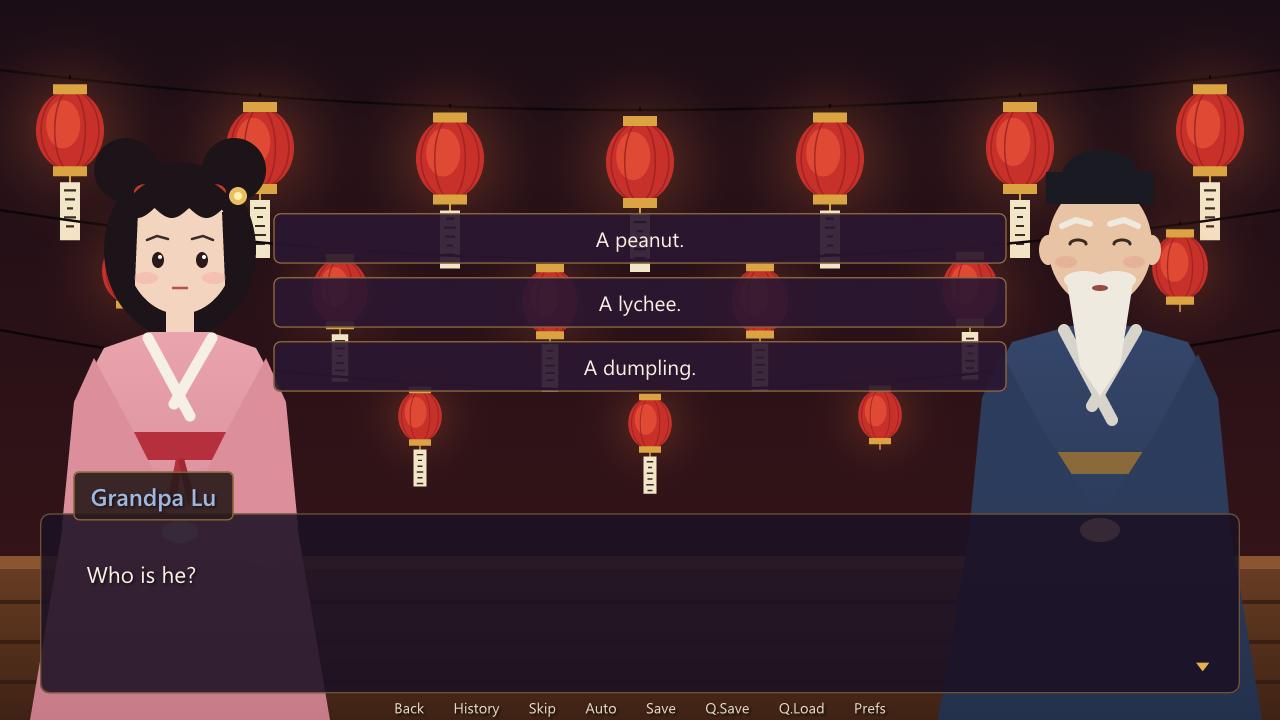
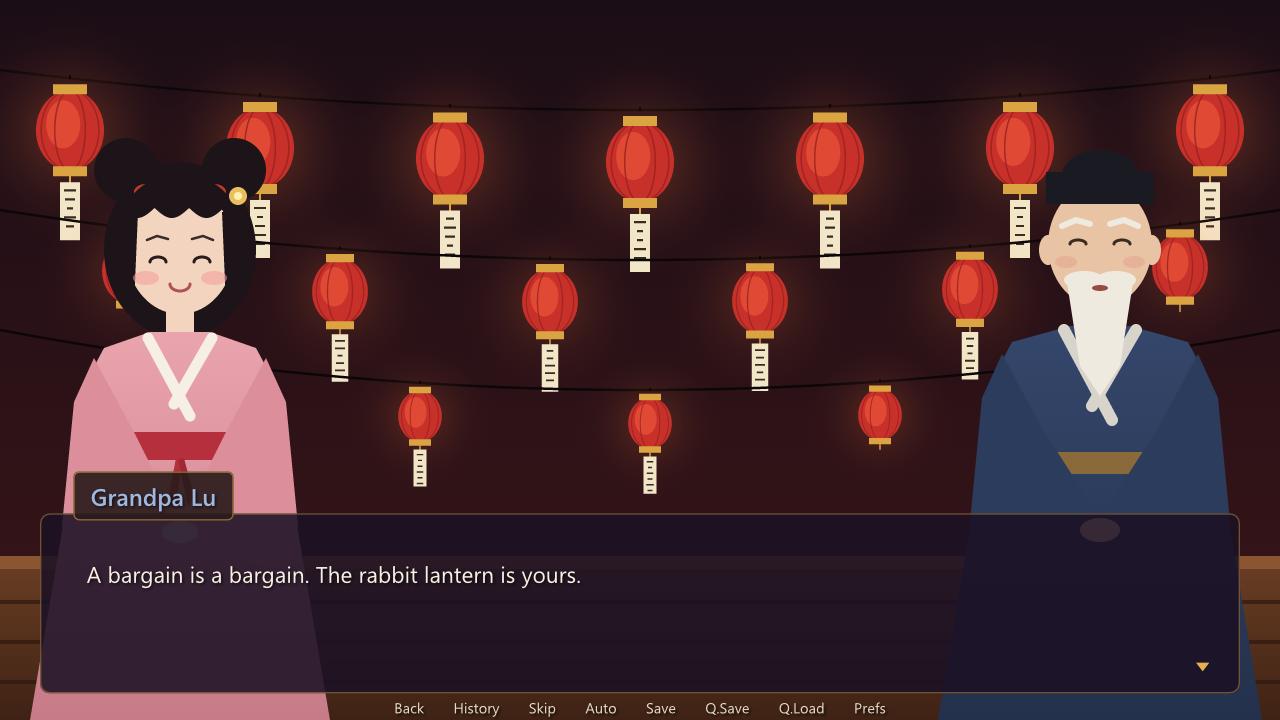
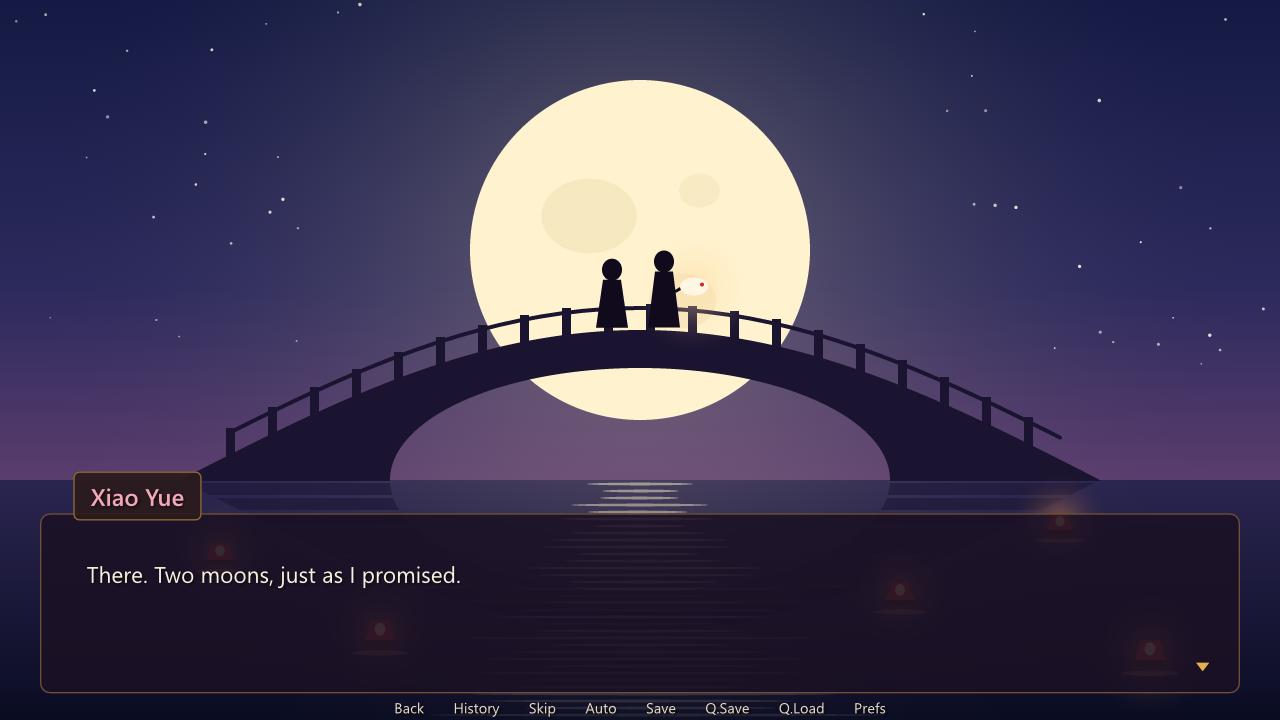
The two style lessons paint their own windows, name tabs, choices and buttons, and the game draws with them:
The graphs
These pictures are drawn by dvkview, the Parcel NExT utility that renders a document's graphs headless, so they are plainer than the editor; the nodes, literals and wires are the document's own.
Hello Novella, the whole game in a Routine:
Story as Nodes, a scene as a chain of Story Writing nodes, each choice a row of its own, and the story assembled below:
Game as a Function: the member Function graph that builds the definition, and the Flows graph that calls and plays it:
Live Script, a story told as a procedure in an Events graph:
Commands, the Command event branching on the command's name:
A Match for the Matchmaker
A Match for the Matchmaker is a side story of The Red Thread, told in its art and music and written entirely in Divooka nodes, with no script. On the eve of the Lantern Festival, Qinglan's maid Xiaotao decides that Auntie Wang, who has made a hundred matches for everybody else, is owed one of her own, and schemes to bring her and Master Su onto one bridge at moonrise. It has three menus, two endings, a hidden achievement and two gallery pictures.
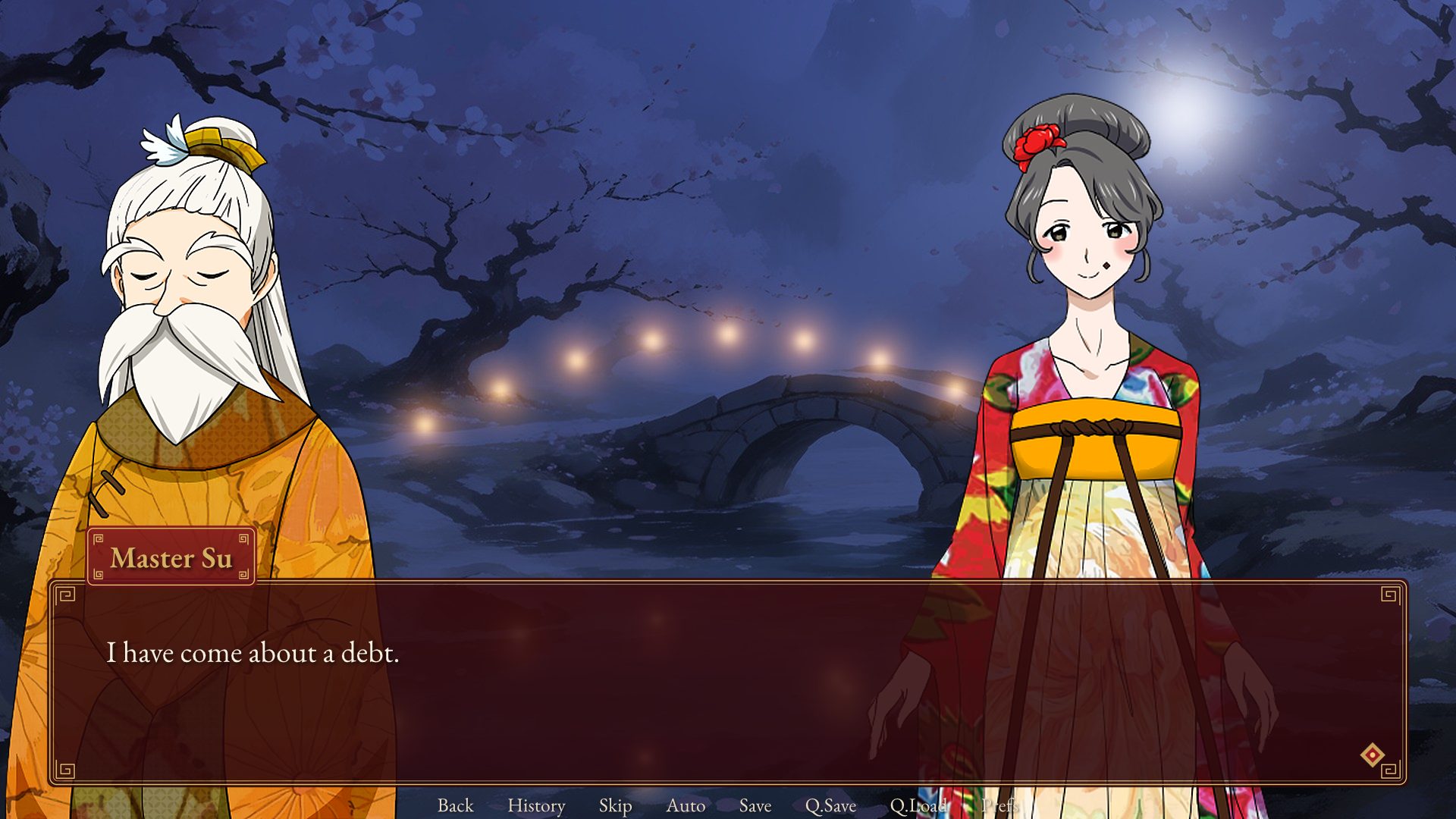
It is the example to read for how a whole game is laid out as nodes:
| Part | How it is built |
|---|---|
| The scenes | Six member Function graphs, one per scene, each returning a Scene: its lines a page of Story Writing nodes joined at the margin by Concatenate, its menus and Ifs fed by Conditions nodes, its choices changing variables through Effects nodes, and its end a Make Scene with Go To Scene, Choose Scene, Branch To Scene or End Game. |
| The story | The entry Flows graph collects the cast, Add Default, Add Gallery Entry, Add Achievement and Add Scene into a story and a Game Definition, and plays it through the same Play Routine as the lessons. |
| The look | A member Function graph, Look, gives the definition The Red Thread's settings and theme through With Config and With Theme, so the game wears the sample game's windows, fonts and interface sounds. |
| The assets | Only the pictures, music and sounds the story uses are embedded in the library, with the credits and the licences that cover them. |
The same story, line for line, is also a C# program, TestPrograms/Novella.Matchmaker in the Parcel NExT tree, written with the story builder; the two play the same transcript.
The Red Thread
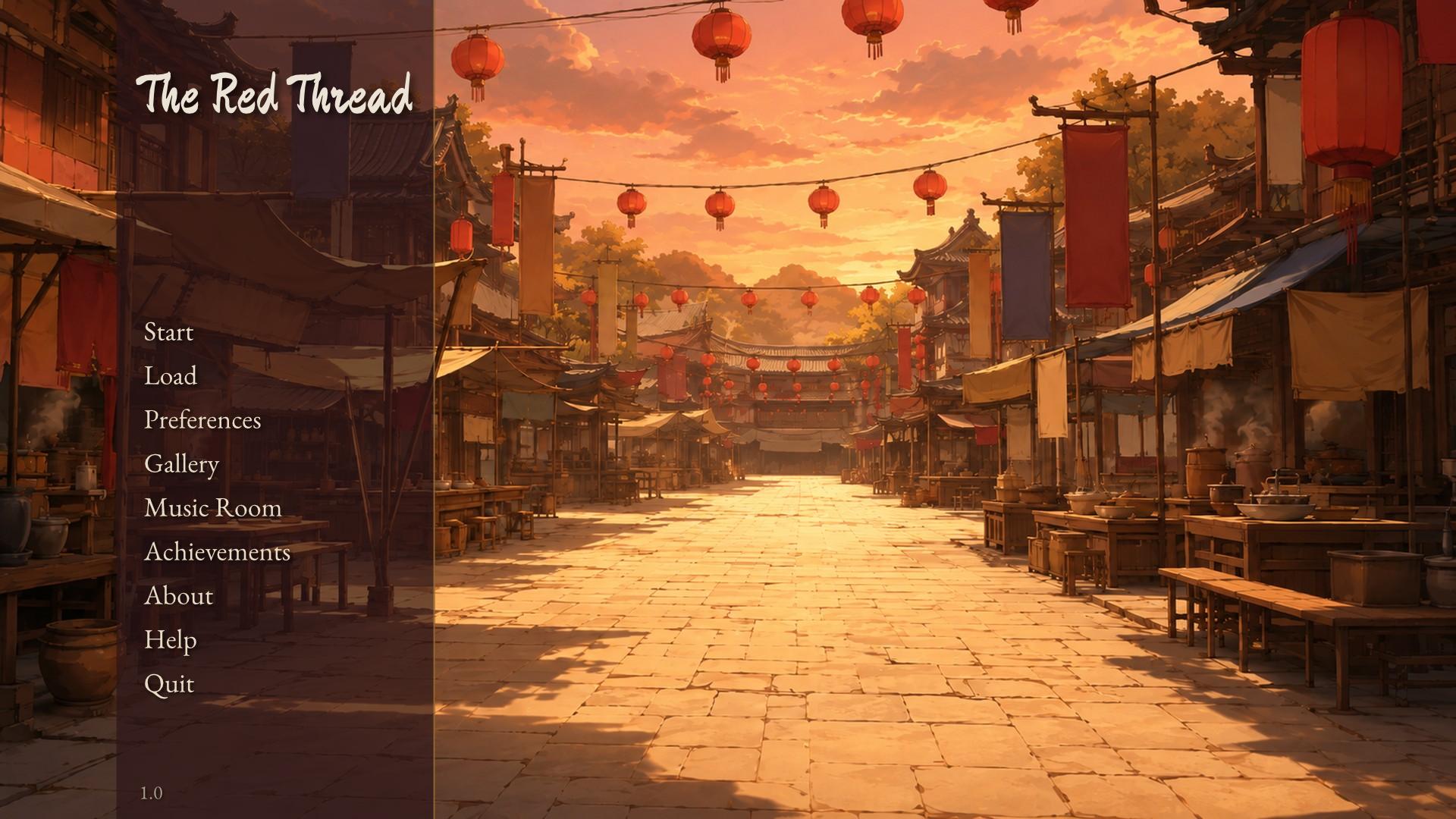
The Red Thread (红线) is Novella's sample game: a short, complete visual novel that exercises the engine end to end. Its C# program is TestPrograms/Novella.RedThread in the Parcel NExT tree, the canonical example of the C# API; the same game ships in the Explore pack as Visual Novel/The Red Thread, a Divooka document with every picture, sound, font, movie and script embedded in its library, whose Events graph does what the C# does: its Setup event adds the library and loads the scripts, and its Command event answers the story's one command.
The story
Lin'an, a river town in a Song-dynasty-flavoured spring. Lu Wenjing (the player, whose name can be changed at the start) is a young scholar lodging in town to prepare for the imperial examination. Auntie Wang, the town's busiest matchmaker, has decided he will marry Su Qinglan, the tea merchant's daughter, who plays the guqin and has no intention of being matched by anyone. Over the weeks from the plum blossoms to the Lantern Festival, the scholar can win her regard through the old customs of courtship: exchanging verses, choosing a gift, guessing lantern riddles, and finally sending the matchmaker with a proper proposal, or not.
The legend of Yue Lao, the old man under the moon who ties a red thread between people fated to marry, frames the story: it opens and closes on the red thread.
| Character | Role |
|---|---|
| Su Qinglan (苏清岚) | The heroine: witty, musical, independent. |
| Auntie Wang (王媒婆) | The matchmaker: loud, comic, kind underneath. |
| Xiaotao (小桃) | Qinglan's maid and go-between, mischievous. |
| Master Su (苏老爷) | Her father, a stern tea merchant. |
| Lu Wenjing (陆文景) | The player, seen only as a side portrait. |
| Yue Lao (月老) | The old man under the moon, in the prologue and the epilogue. |
The chapters are a prologue under the moon, the teahouse, the plum grove, the market, the lotus pavilion, the Lantern Festival and the proposal, and there are three endings: a betrothal and wedding, a friendship in which Qinglan leaves to study music in the capital and writes, and a match made elsewhere that sends the scholar back to his books.
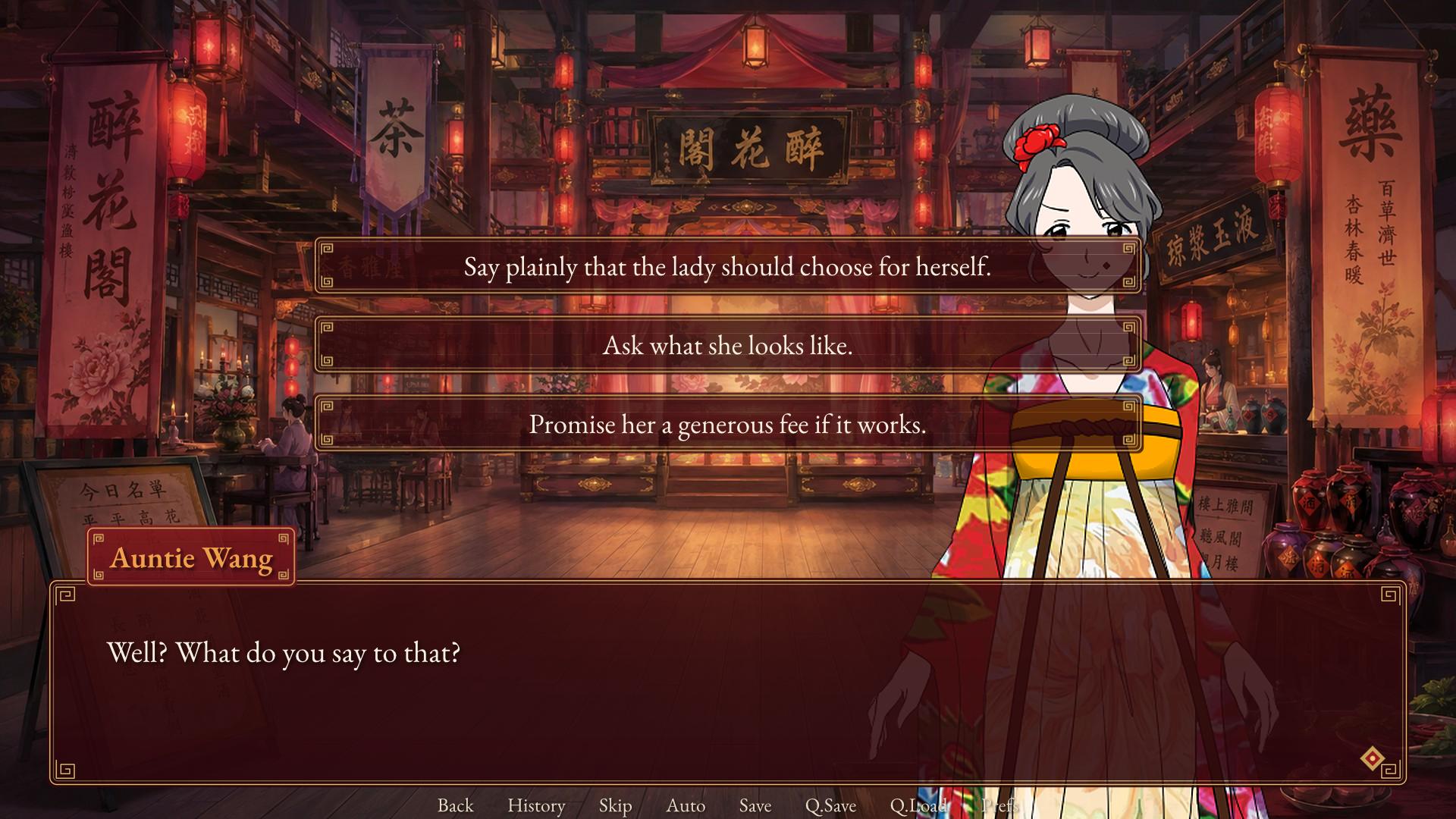
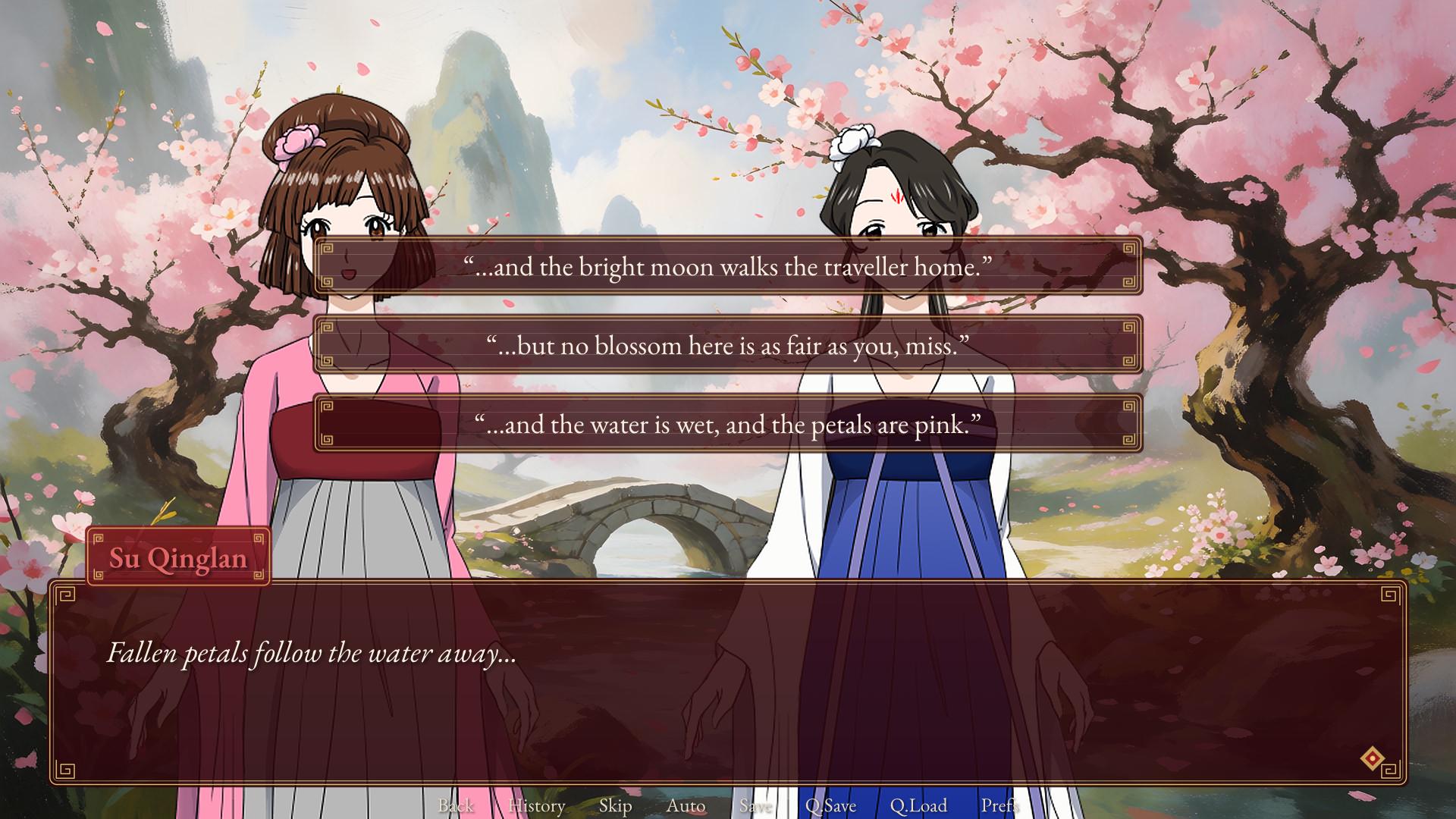
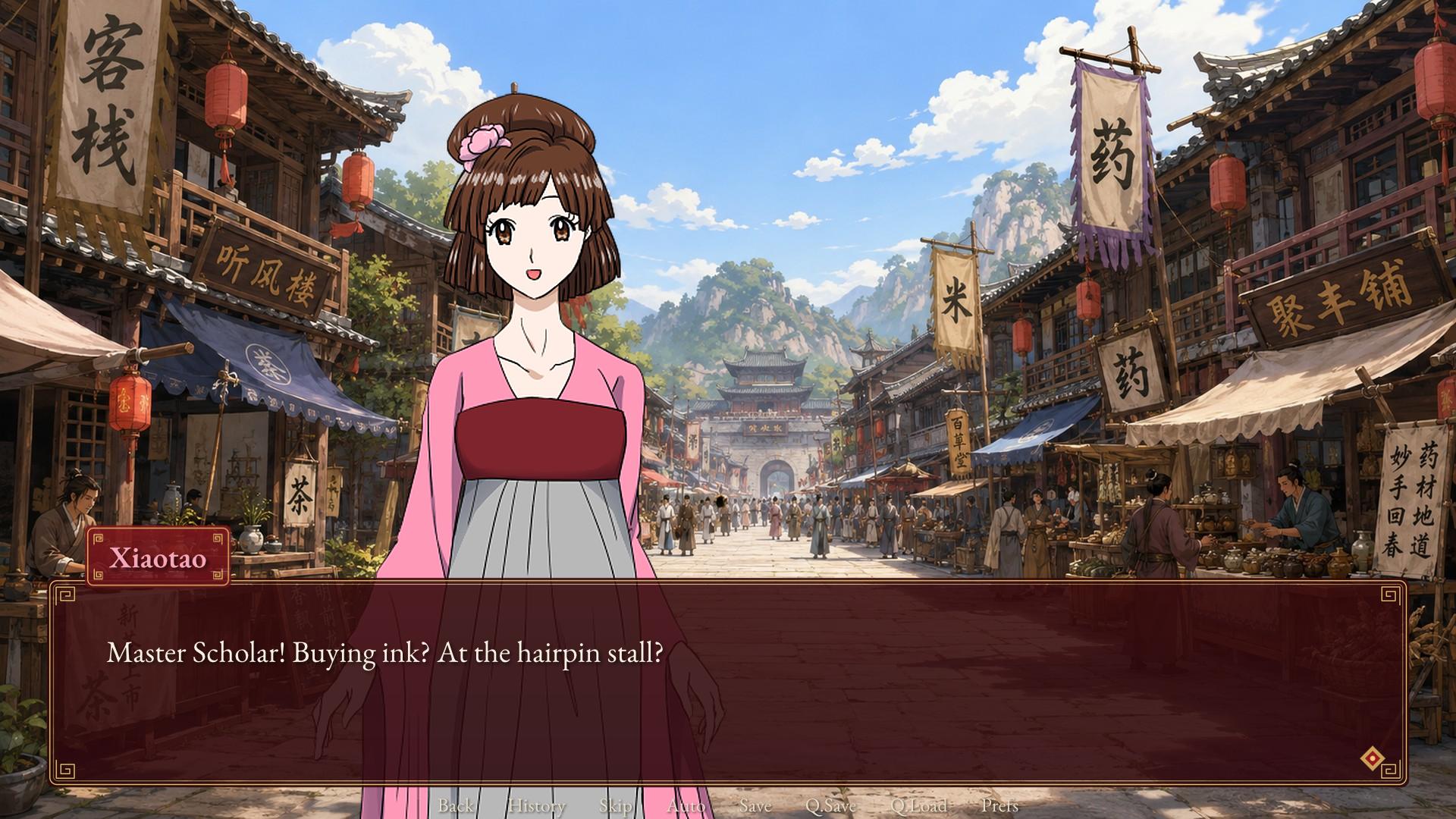
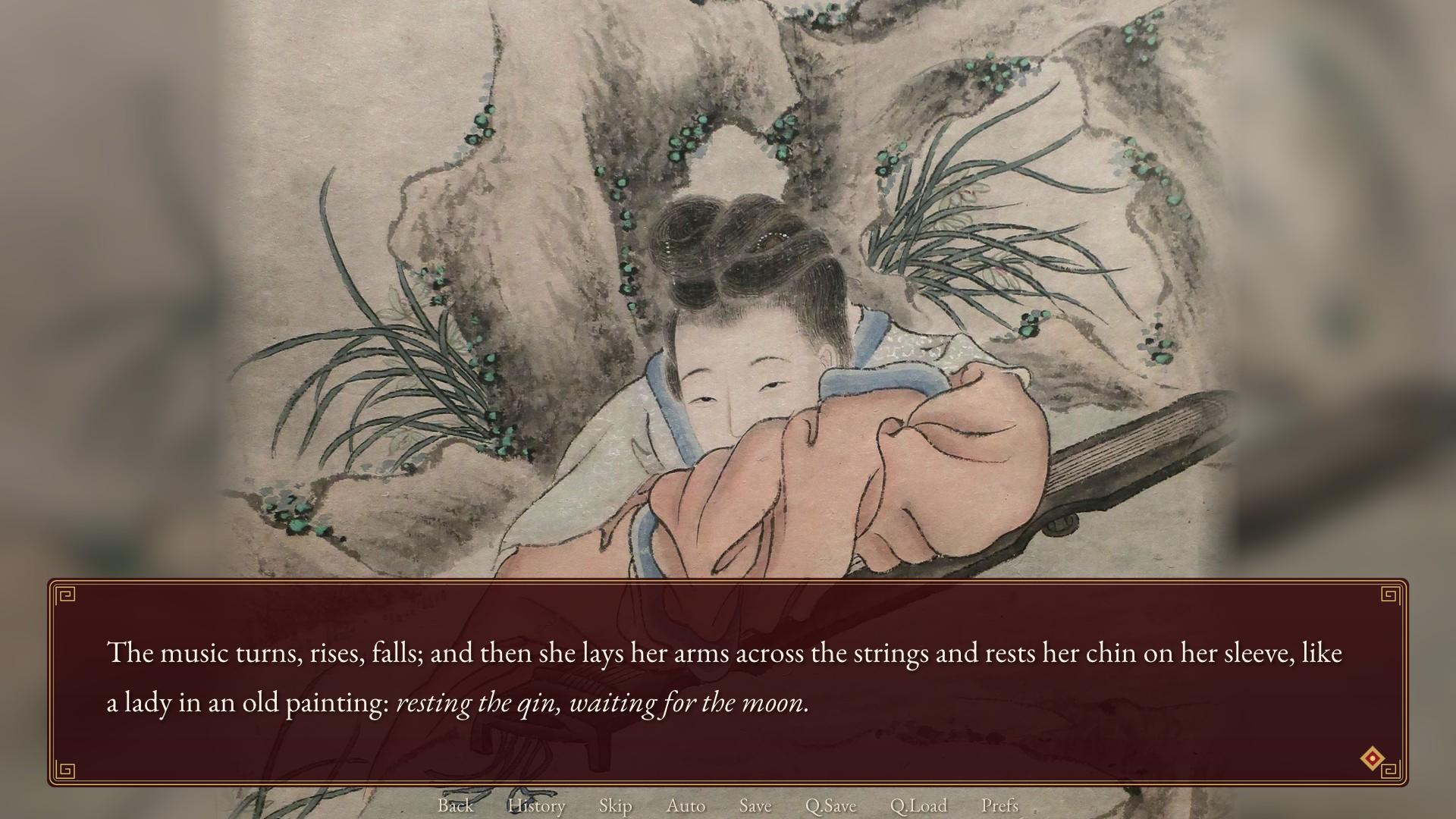
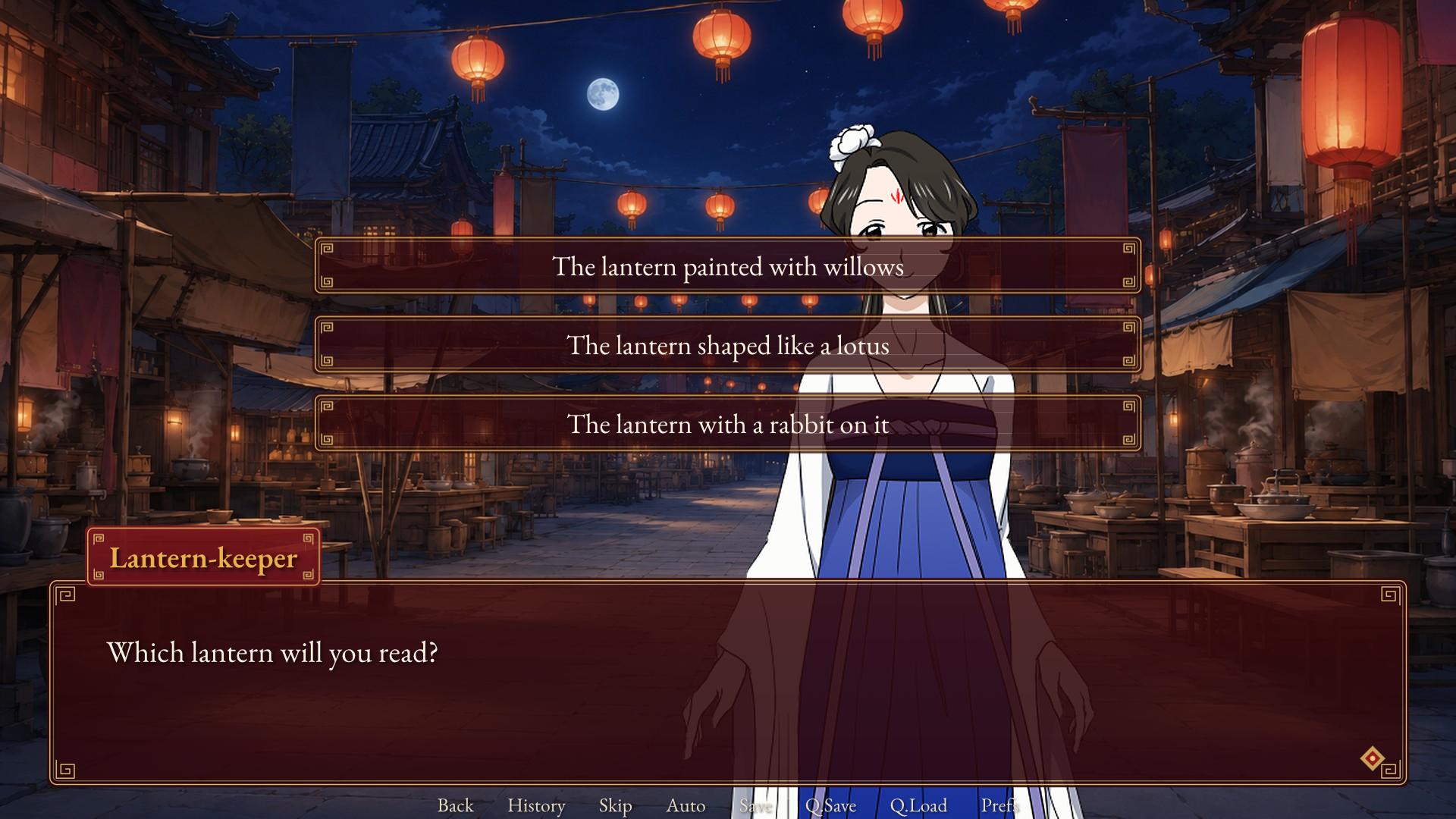
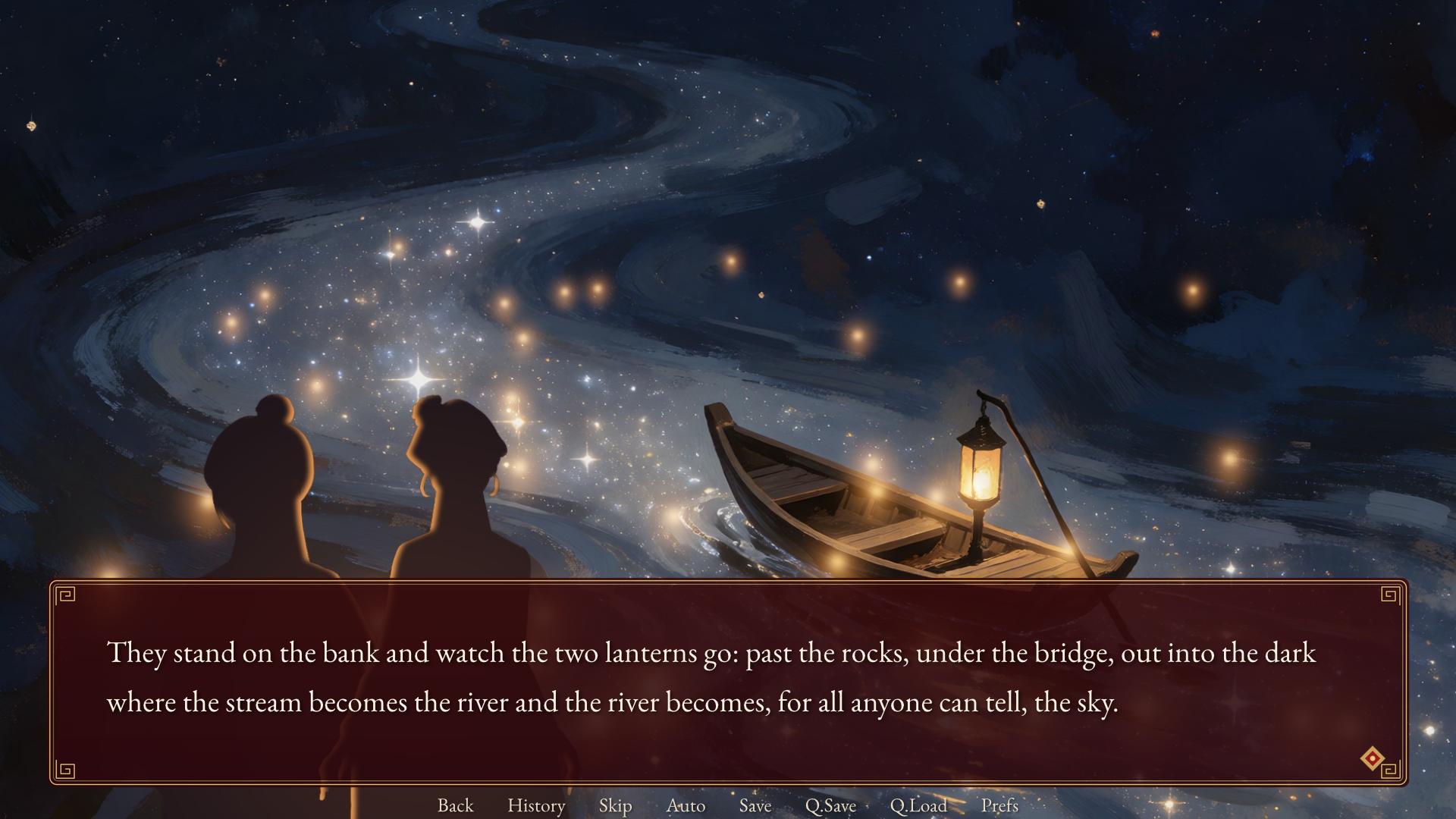
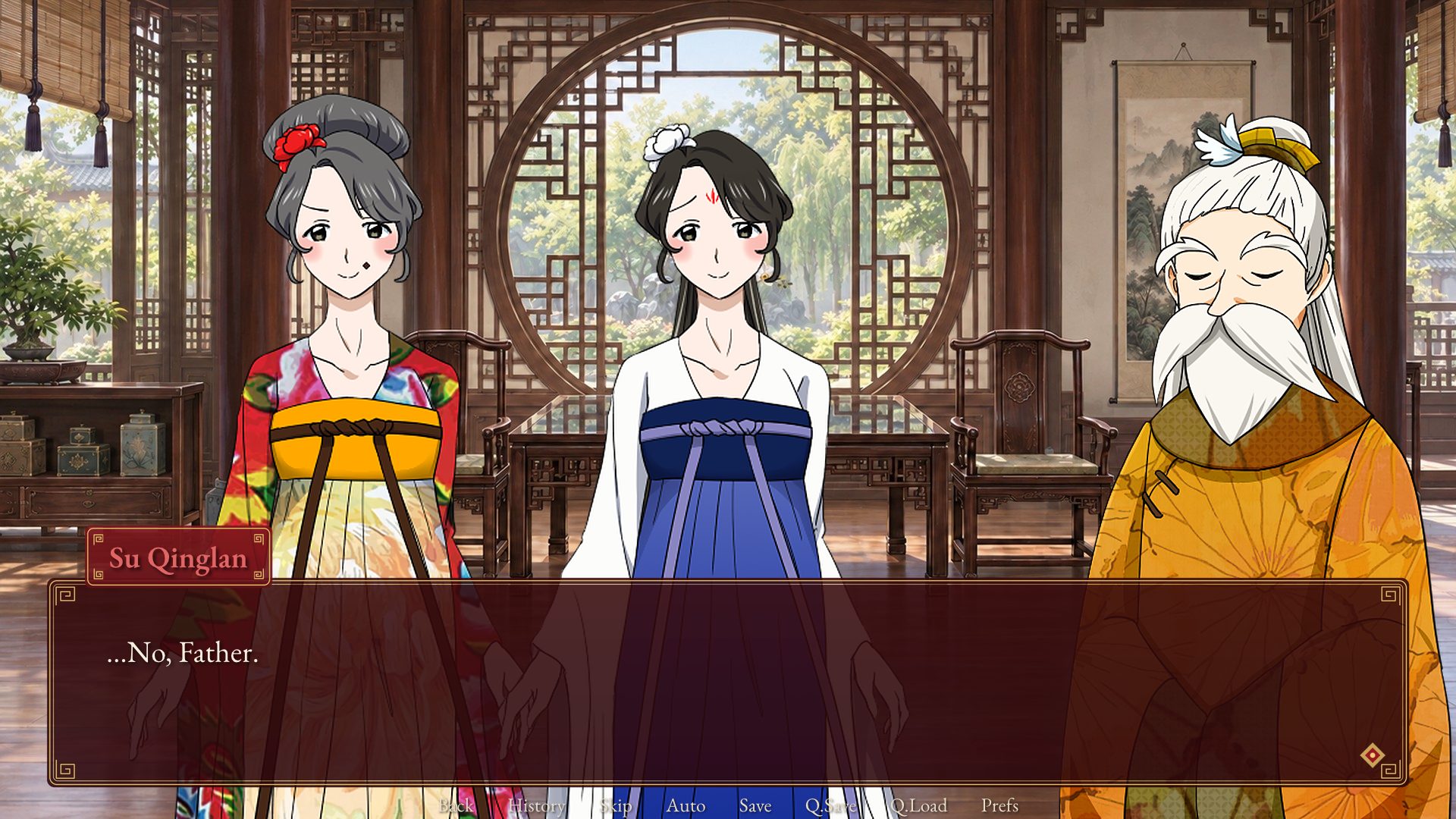
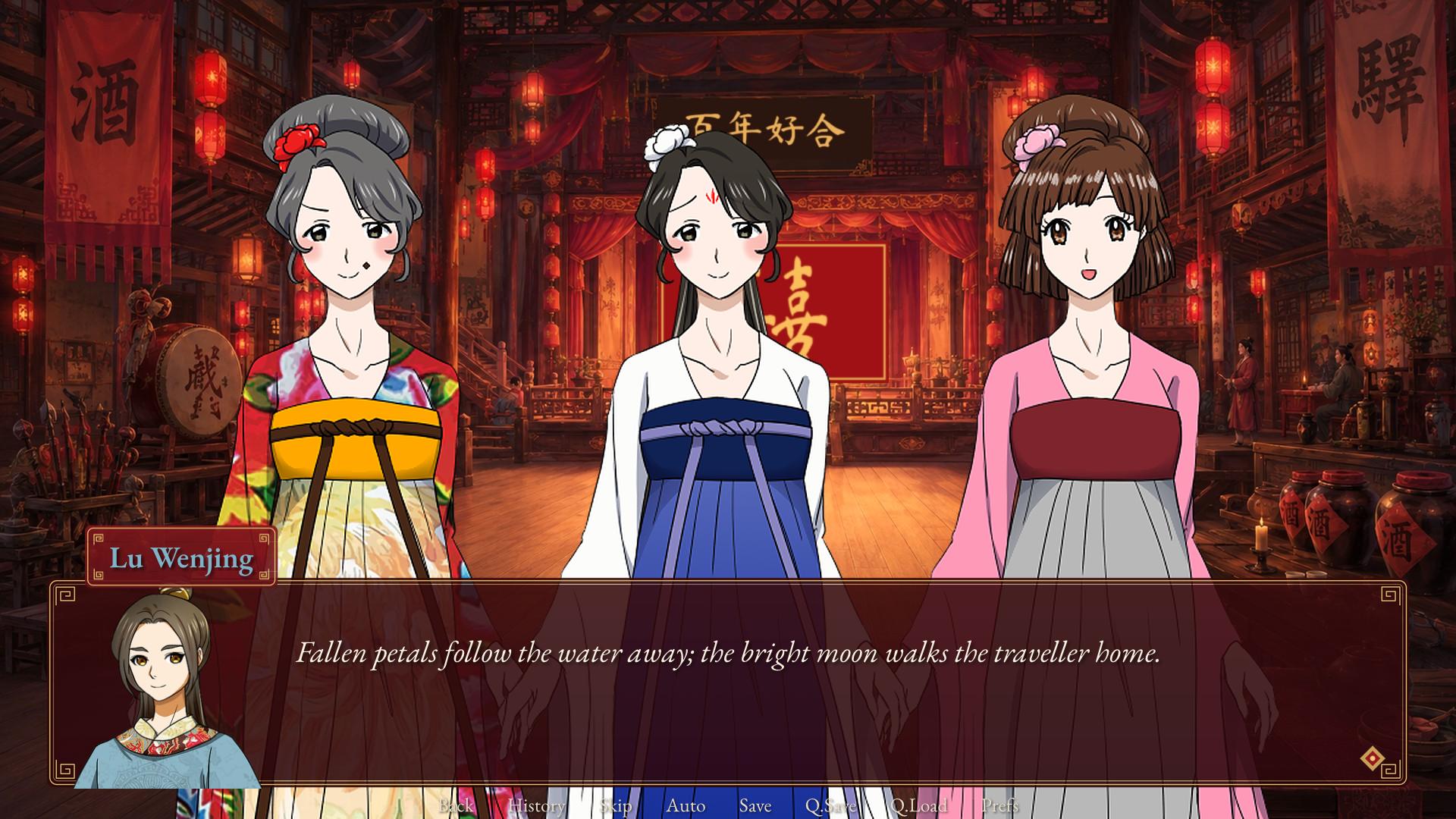
Watch it
Recorded from the engine itself, playing through its real controls (headless, so without sound). The opening movie, naming the scholar, the prologue and the teahouse:
The plum grove and its couplets:
The Lantern Festival in Simplified Chinese:
The proposal and the wedding:
What it shows
| Feature | Where |
|---|---|
| A story spread over scripts that merge into one: settings, definitions, then a file per chapter | scripts/options.novella, script_01_definitions.novella ... script_09_endings.novella |
| Configuration and a full theme as script: fonts for English and Chinese, nine-patch dialogue window, name tab and choices, interface sounds | options.novella |
An opening movie, then naming the player with input |
The prologue |
A reusable label with parameters, call chapter_title("Chapter One", "The Teahouse"), and a centered title card |
Every chapter |
| Images named from their files, characters' expressions changed as they speak, a side portrait for the player | Throughout |
Animated transforms with parameters (sway, drift, hop, slow_zoom) and named transitions |
The definitions and every scene |
A quiz written with menu set inside a while, so each lantern is read once |
The Lantern Festival |
A run fortune command implemented in C#, drawing from the story's random generator so rollback cannot reroll it |
The Lantern Festival |
Variables that decide the ending (affection, sincerity, riddles_solved, gift) |
The endings |
| An NVL-page letter | The friendship ending |
| Persistent data, a gallery, a music room and achievements, including one hidden achievement and one for seeing every ending | The definitions and the endings |
| A complete Simplified Chinese translation keyed by explicit line ids, with string tables for names, choices, titles and the fortune slips | zh_hans.novella |
The whole game in Simplified Chinese, with its interface in Chinese too:
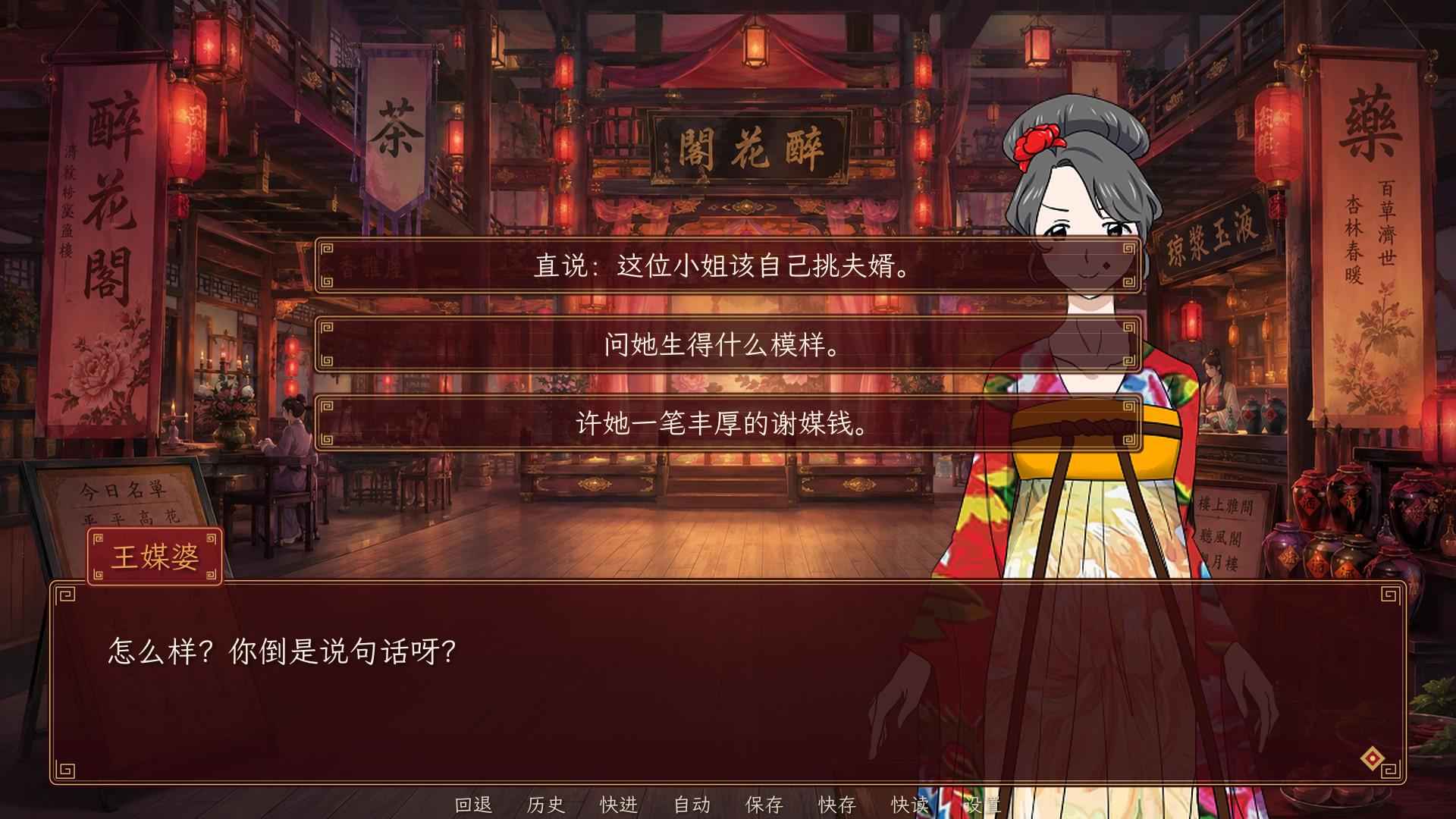
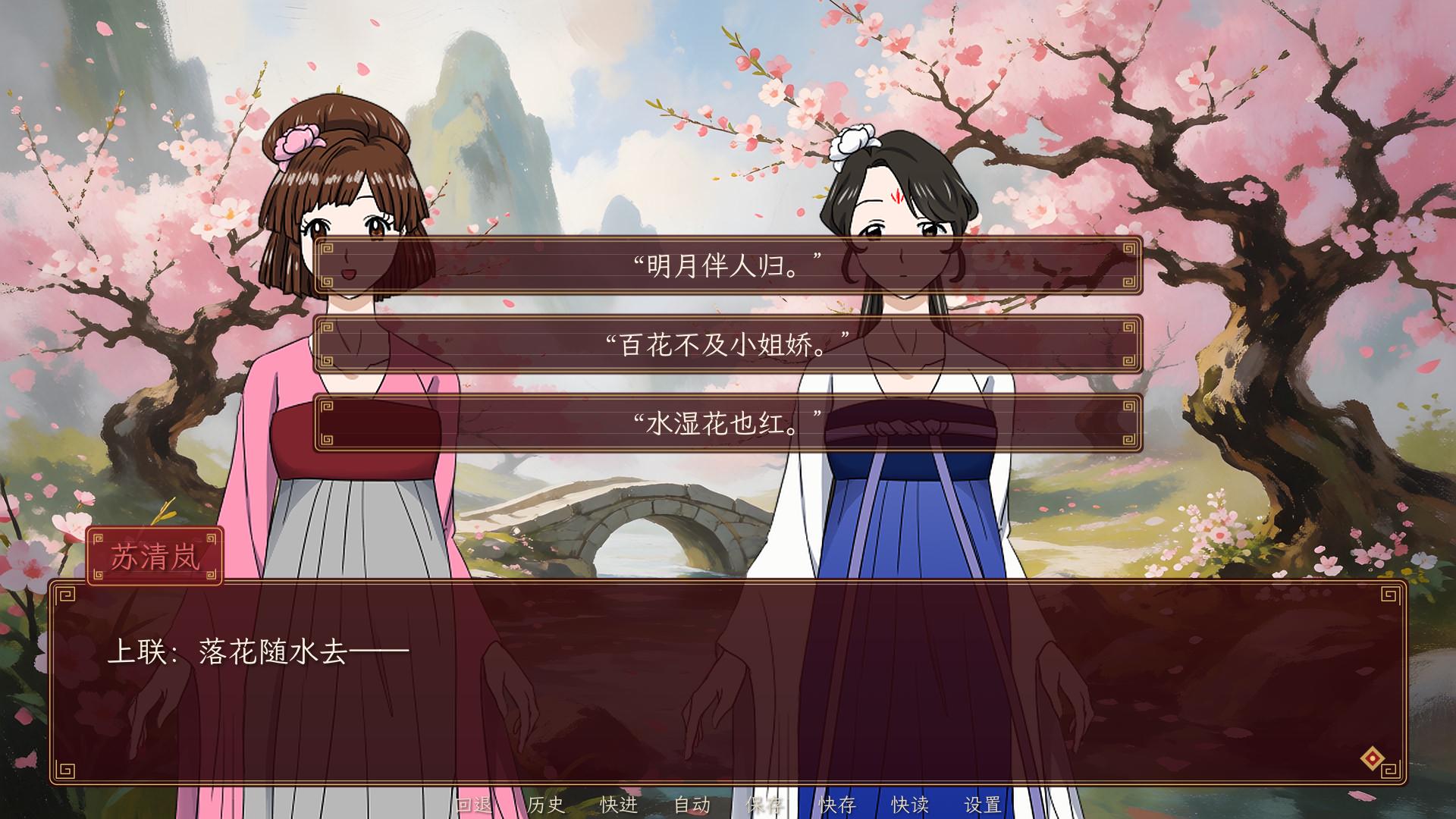
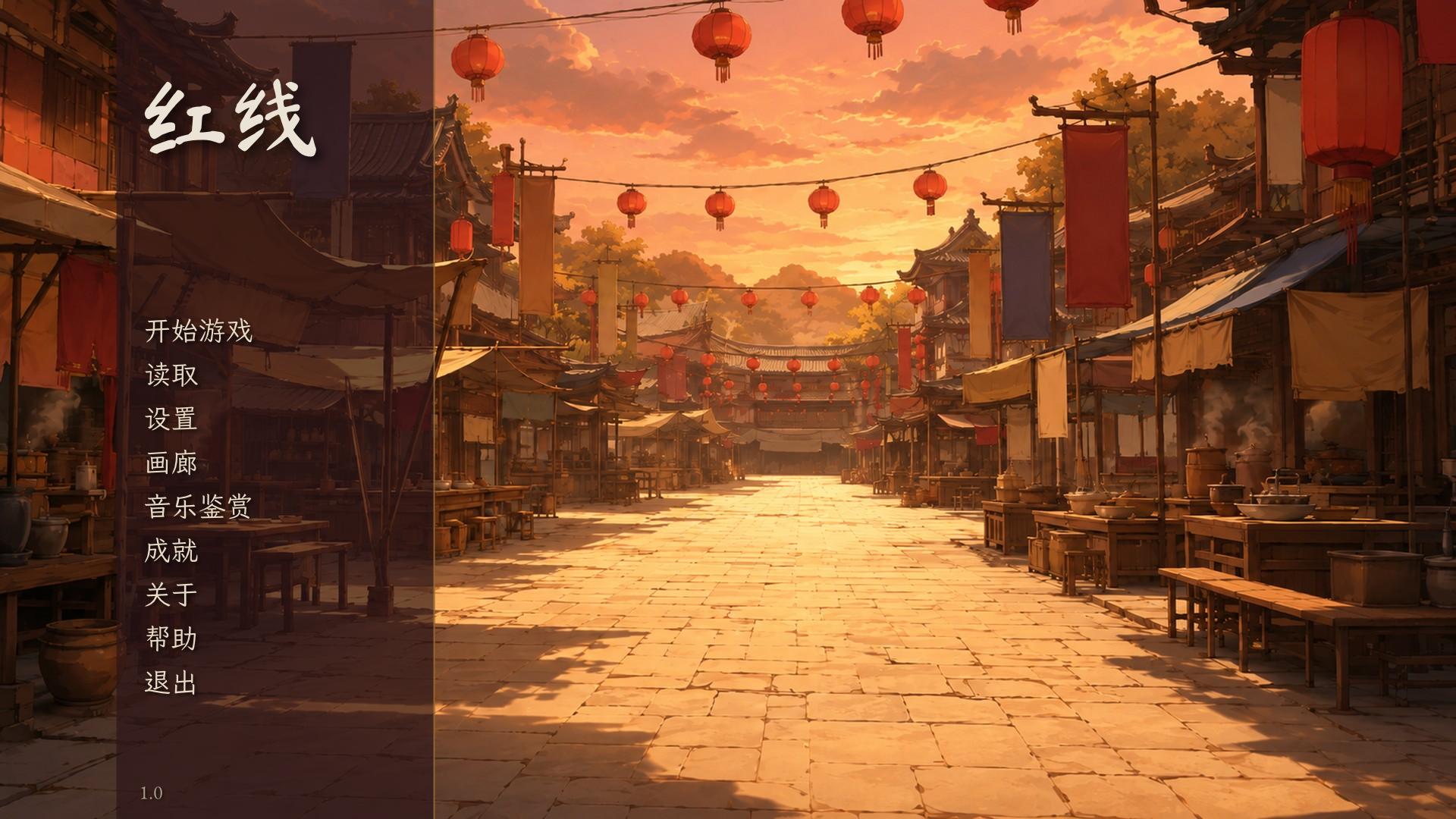
Running it
The game's art, music, sound, fonts and video are kept outside the repository, which holds no binary media, and they are not published on their own: the way to have the whole game is the Explore document, which carries every file in its library, while the C# program reads them from a folder. Every asset in the set is a stand-in to be replaced with original work before publishing, and its credits and licences travel with it (CREDITS.md and licenses/). The program finds the asset folder in this order: the first command-line argument, the folder named by the NOVELLA_RED_THREAD_ASSETS environment variable, an Assets folder beside the program (which is how a published copy ships: publish it self-contained and put the assets next to it), then Data/Novella/The Red Thread under the user's home folder.
TheRedThread [assets folder]
TheRedThread --lint [assets folder]
TheRedThread --shoot out-folder [--choices 0,1,2] [--language zh-Hans] [--steps 900] [--every 20] [assets folder]
--lint checks the story against its files; --shoot plays it headless through the real controls and saves a described screenshot every few steps and a transcript, choosing the menu options given (then the first), optionally in another language, and exits 3 if anything was missing or failed.