
Getting Started
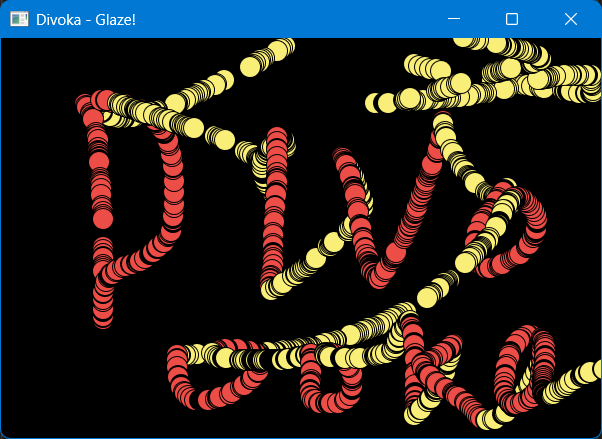
In this tutorial we are going to make the most basic realtime interactive program in Glaze! The program will allow you to paint the canvas in two colors - holding left mouse button for red, and release it for yellow.
Steps
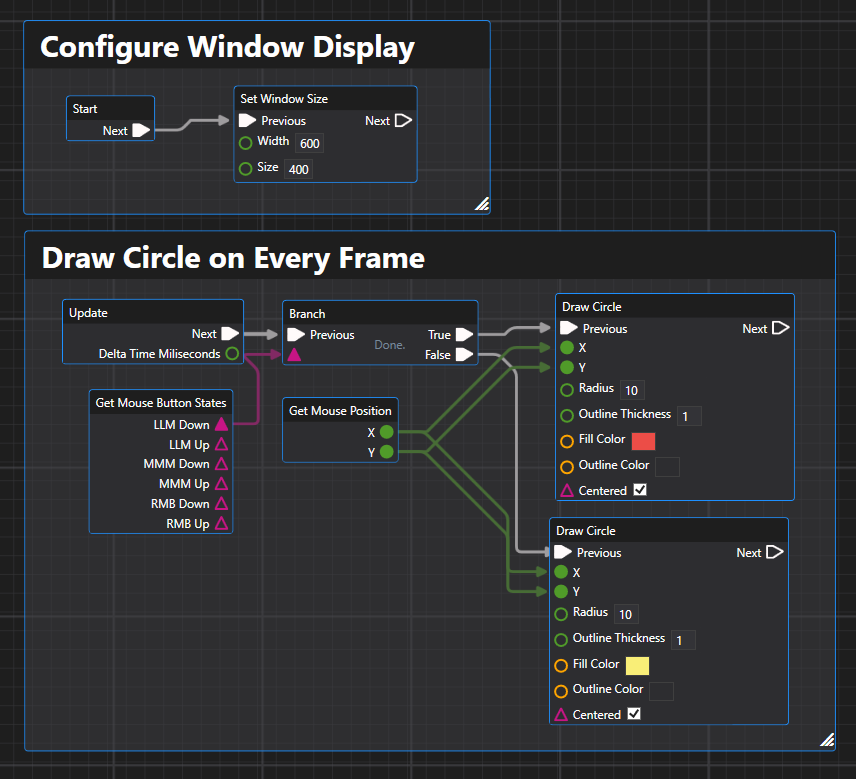
Below is the completed setup:
Start
The start section defines window display resolution.
- Drop a Start
- Drop a Set Window Size
Update
The update section defines what happens at every frame.
- Drop an Update
- Use Get Button Status and Get Mouse Position to get current mouse status.
- Use two Draw Circle for different colored circles
- Drop a Branch to perform different drawing actions
Full Setup
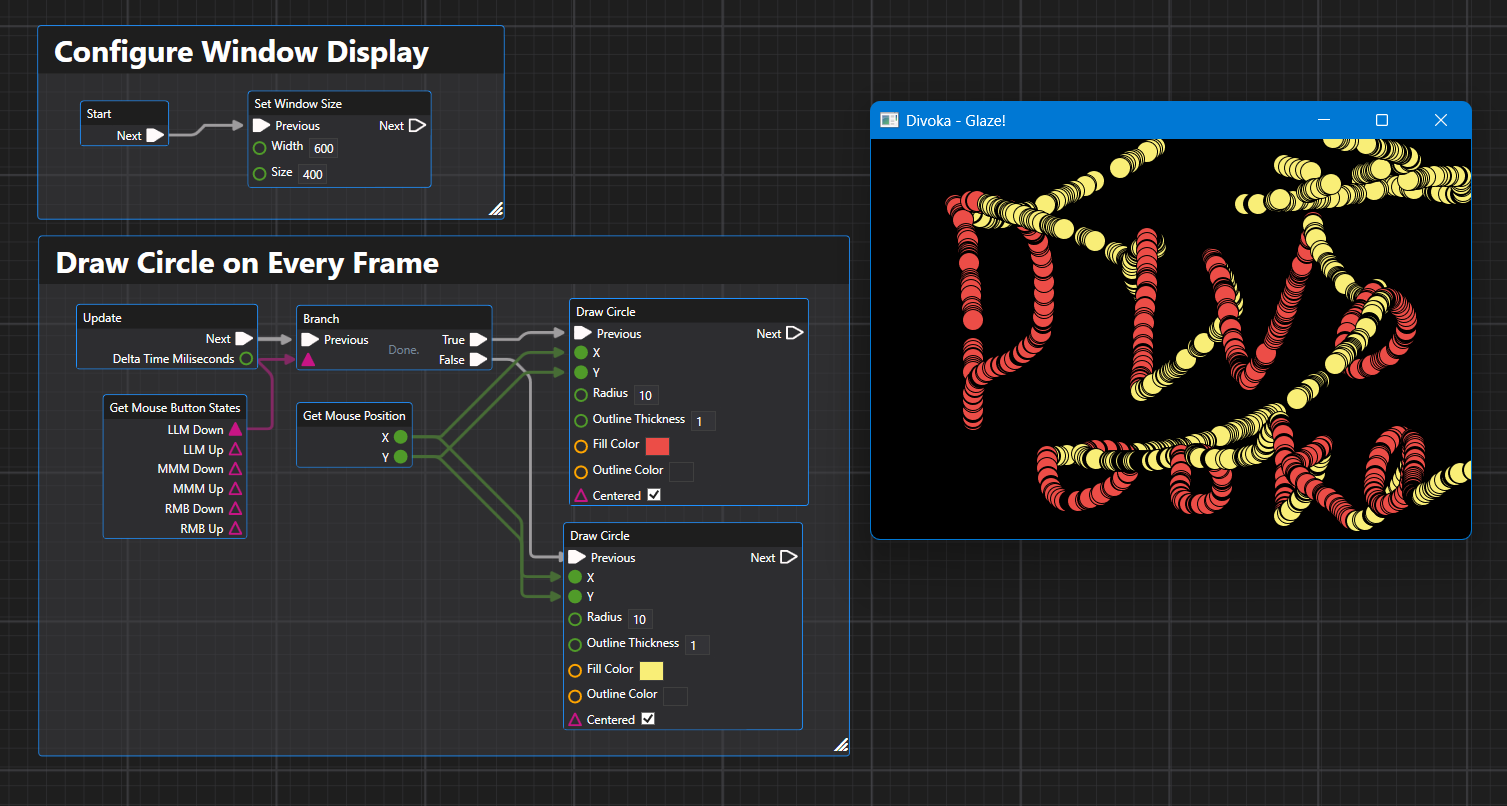
Congratulations! You've made a fully interative drawing program!