
Divooka Explore
Divooka Explore is an editor for Divooka, the visual programming language. You write a program by placing nodes on a canvas and wiring them together, run it, and see on every node what it produced. Everything it ships is ready as soon as it starts - image and text processing, audio, procedural 3D, files, automation and more - and it comes with a shelf of examples to open, run and change.
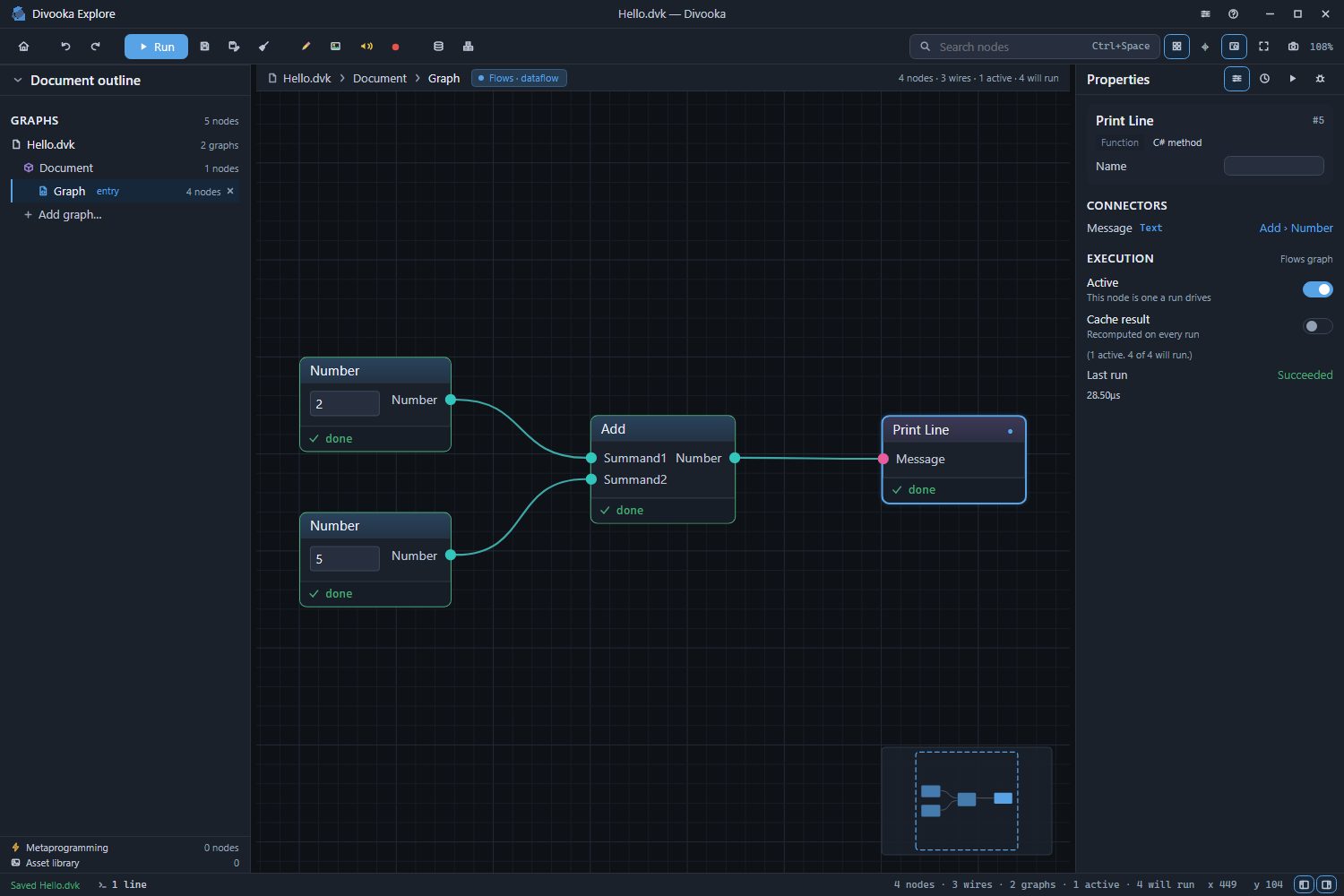
Read in this order
The pages build on each other, and the first three are enough to write and run a program.
- Installing and starting - getting Divooka Explore and opening it for the first time.
- The window - the start screen, the canvas, the panels around it, and where the nodes are.
- Your first program - a document that adds two numbers and prints the answer.
- Nodes, pins and wires - placing, connecting, selecting and arranging.
- Graphs and members - Flows, Functions, Routines, Events and Types, and data members with their starting values.
- Running and the console - what a run does, and where its output goes.
- Debugging - breakpoints, stepping, and reading values while a run is paused.
- Examples - opening a copy of a shipped example.
- Saving - saving, auto-save, closing and reopening.
- Keyboard shortcuts - every key in one table.
See also
- Divooka Language - the language itself: its concepts, graphs and topics.
- Methodox Wiki - everything else, from the libraries to the frameworks Divooka Explore ships.