
Methodox Virtual Keyboard
Methodox Virtual Keyboard turns the keyboard already in front of you into an instrument. Three octaves of piano, twenty drum pads and six voices, all sounded on your own machine — no MIDI controller, no account, and nothing sent anywhere.
- Version: v0.8.5
- Platforms: Windows, macOS, Linux
- Website: virtualkeyboard.methodox.app
- Source:
Standalones/DesktopVirtualKeyboardin Parcel NExT
Playing it
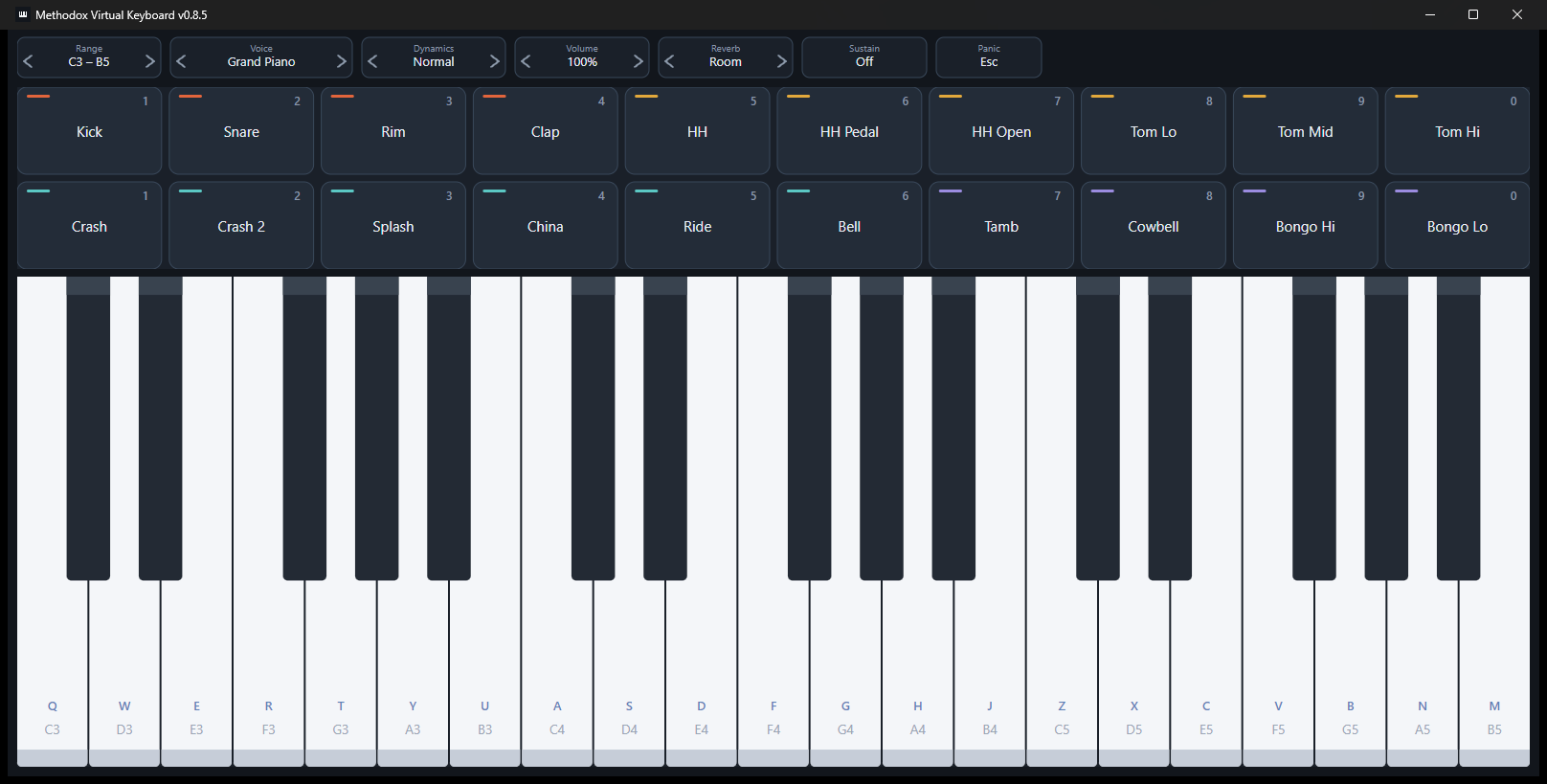
Three rows of letters are three octaves, and the pitch rises as you read down the keyboard.
| Row | What it plays |
|---|---|
| Q W E R T Y U | The lowest octave — C D E F G A B |
| A S D F G H J | The middle octave |
| Z X C V B N M | The highest octave |
Every key is printed on the piano key it plays, so there is nothing to memorise — the letter is on the front of the key, with the note name beneath it.
I O P and K L carry on into the next octave up, so a run can cross from one row to the next without your hand jumping.
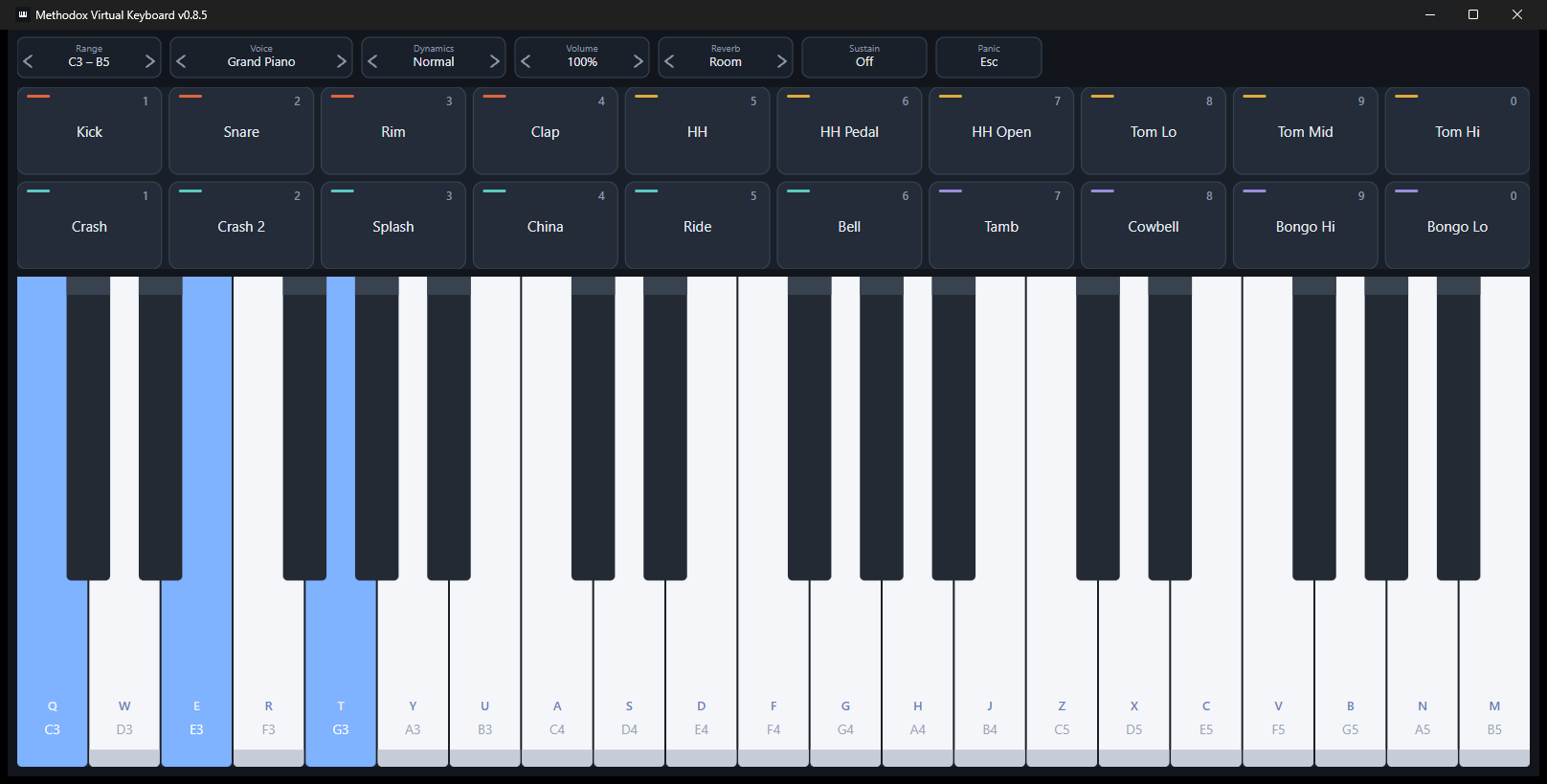
Chords work exactly as you would expect — hold as many keys as you have fingers.
The black keys
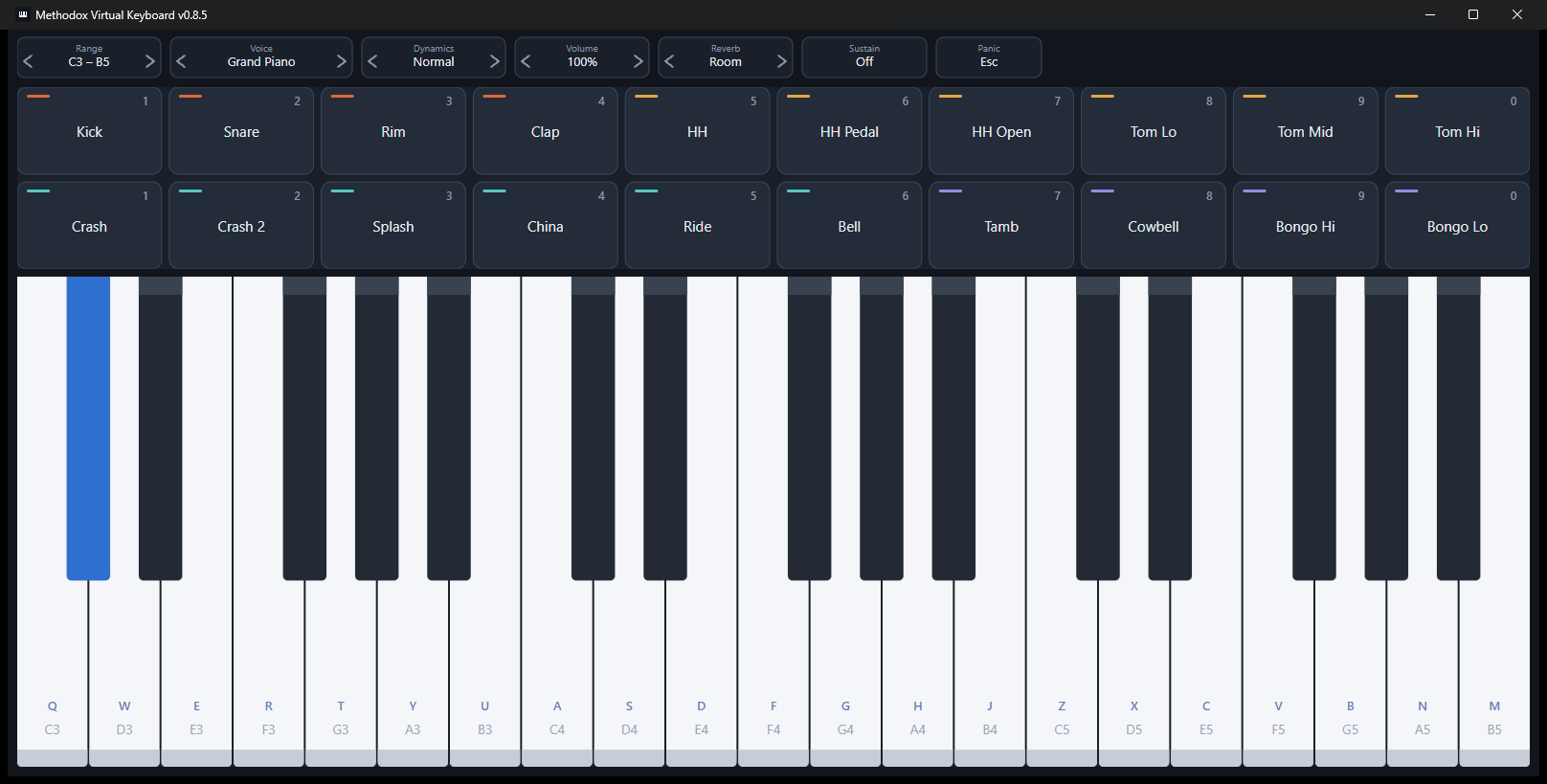
Hold Shift and a letter plays a sharp, a semitone up. Hold Ctrl and it plays a flat, a semitone down.
They behave like the accidentals written in front of a note: they apply to the key you press while holding them, and to nothing else. Let go and the next note is natural again.
If you want a key change rather than a single accidental, - and = move everything down and up a semitone and leave it there. Page Up and Page Down move the whole keyboard by an octave.
The drums
Twenty pads in two rows of ten, and they play at the same time as the keys — a left hand on the numbers, a right hand on the letters.
- The number row, 1 to 0, is the top row of pads: kick, snare, rim, clap, hats and toms. That row on its own is a complete kit.
- The numpad is the bottom row: cymbals, tambourine, cowbell and bongos. No numpad? Shift and a number reaches the same pads.
Each pad is coloured by family, so the kit stays readable at a glance.
The sound
Six voices, and four ways to shape them. Everything is on the strip along the top, and everything has a key.
| Key | ||
|---|---|---|
| Voice | F1 – F6 | Grand piano, electric piano, vibraphone, church organ, nylon guitar, strings |
| Dynamics | ← → | Soft, normal, hard — this changes the tone, not only the loudness |
| Volume | ↑ ↓, or numpad + − | In steps of ten per cent |
| Sustain | Space | Held down like a piano pedal, or latched from the strip |
| Reverb | — | Dry, room or hall |
| Panic | Esc | Stops everything, for when a note gets stuck |
Six pieces to listen to
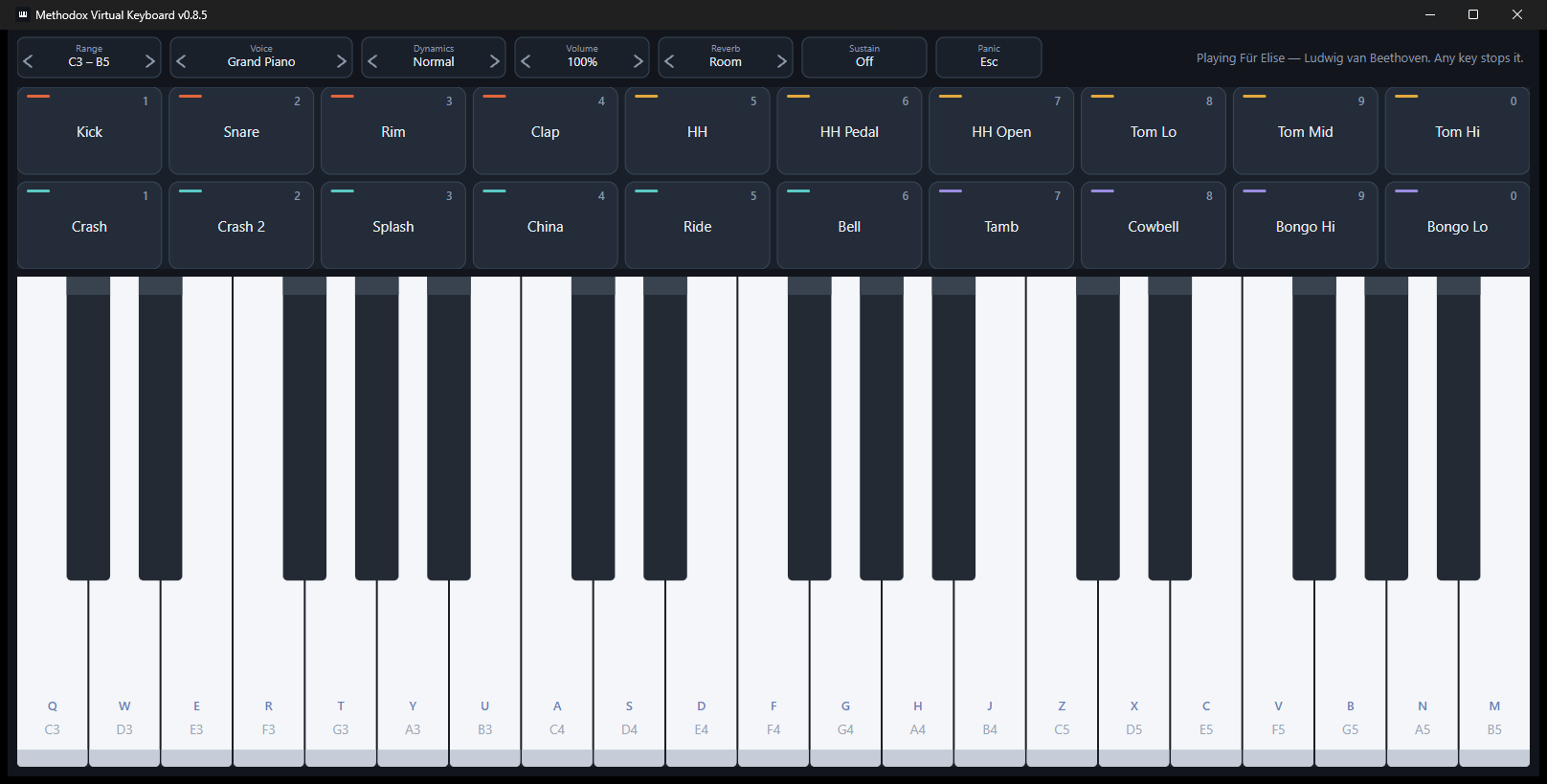
Hold Ctrl and press a number to hear a piece played on the keys in front of you. The keys light up as it plays, so you can watch where the notes fall and then try them yourself.
| Piece | ||
|---|---|---|
| Ctrl+1 | Twinkle, Twinkle, Little Star | The simplest — one octave, white keys only |
| Ctrl+2 | Ode to Joy | Beethoven, and mostly stepwise |
| Ctrl+3 | Greensleeves | Slow, lyrical and in a minor key |
| Ctrl+4 | Minuet in G | A dance, with a walking bass in the left hand |
| Ctrl+5 | Für Elise | The fast one |
| Ctrl+6 | Prelude in C | Bach, arpeggiated end to end, on a harpsichord |
Touch any key or pad and the piece stops immediately, and the instrument is yours again — so you can let a phrase play, join in, or cut it off mid-bar without reaching for anything.
All six are traditional melodies or by composers long out of copyright, and they are part of the program rather than files it fetches.
Every key at a glance
| Keys | What they do |
|---|---|
| Q…U, A…J, Z…M | Three octaves of white keys, low to high |
| I O P, K L | Carry on into the octave above |
| Shift + letter | Sharp — a semitone up |
| Ctrl + letter | Flat — a semitone down |
| 1…0 | The top row of drum pads |
| Numpad, or Shift + number | The bottom row of drum pads |
| Ctrl + 1…6 | Play one of the six pieces |
| F1…F6 | Choose a voice |
| ← → | Dynamics |
| ↑ ↓, numpad + − | Volume, in tenths |
| Space | Sustain, while held |
| - = | Transpose down and up a semitone |
| Page Up Page Down | Move the keyboard by an octave |
| Esc | Stop everything |
How wide the keyboard is
The keys fill whatever width the window has, and the number of octaves follows: widen the window and you get more, from two up to six. The range currently on screen is shown at the left of the top strip.
On a phone
There is an Android edition with two octaves and eight pads, played with your fingers rather than a keyboard. Same instrument, same sound, sized for a screen you hold. Both are described at virtualkeyboard.methodox.app.
References
- Website: virtualkeyboard.methodox.app
- Methodox: methodox.io