
Making Flappy Bird in Glaze!
Complexity: 20s (1 graph) (?)
Skill Level: ★★★★☆ (Advanced)
Difficulty: ★★★☆☆ (Intermediate)
Rewards: ★★★★☆ (High)
Read Time: 15 min
Status: WIP
Revision: 001
Last Update: 2025-06-11
Realtime graphics debugging is difficult, especially since Glaze is a low-level graphics framework.
THIS TUTORIAL IS A WORK-IN-PROGRESS AND IS NOT FINISHED YET.
Requirements:
- Divooka Community edition, or Divooka Compute with Glaze! workload
- A PC/laptop with either Windows, Linux or Mac
- 30min-1.5hr of time, depending on your skill level
Techniques you will learn:
- Load resources from file
- Perform 2D collision between shapes
- Advanced state management
- Create GUI from scratch
Language features involved:
- Procedural contenxt
- State management
- Functions (using Custom Event)
- Glaze! interactive media framework
Helpful Prior Knowledge
- Knowledge on Procedural Context in Divooka
- Knowledge on Debugging Procedural Programs in Divooka
Overview
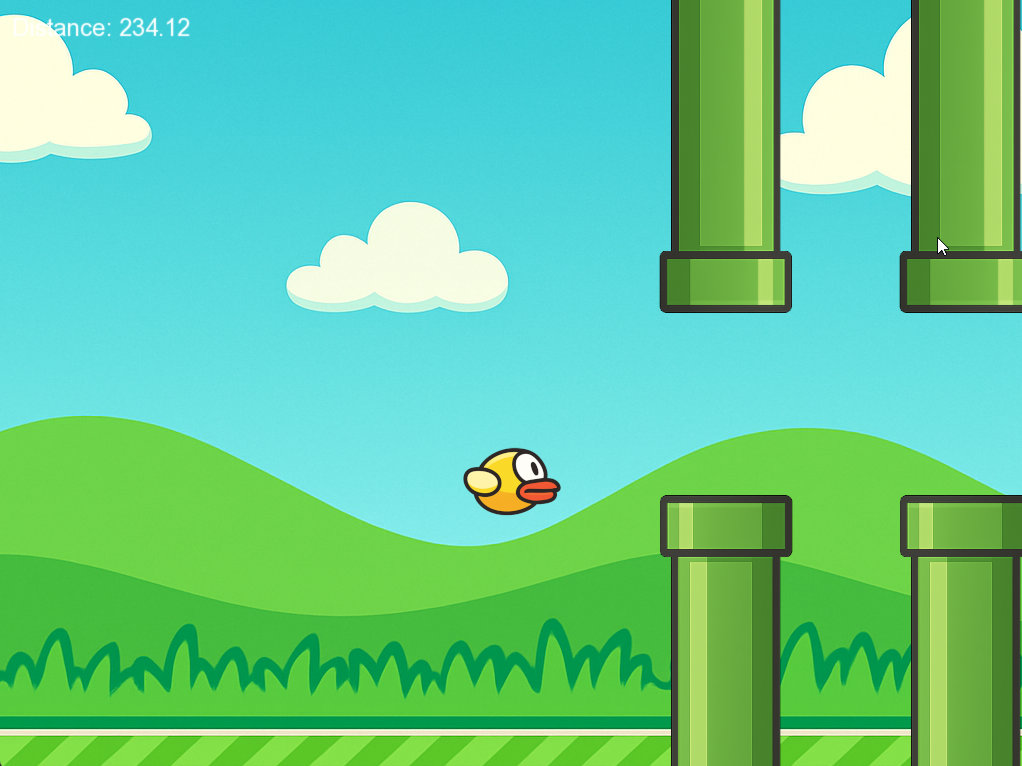
In general, the main technical challenge of this task is 2D collision detection. The rest (state handling etc.) is typical in any procedural applications. After this access, you will have solid understanding of how 2D video games work.
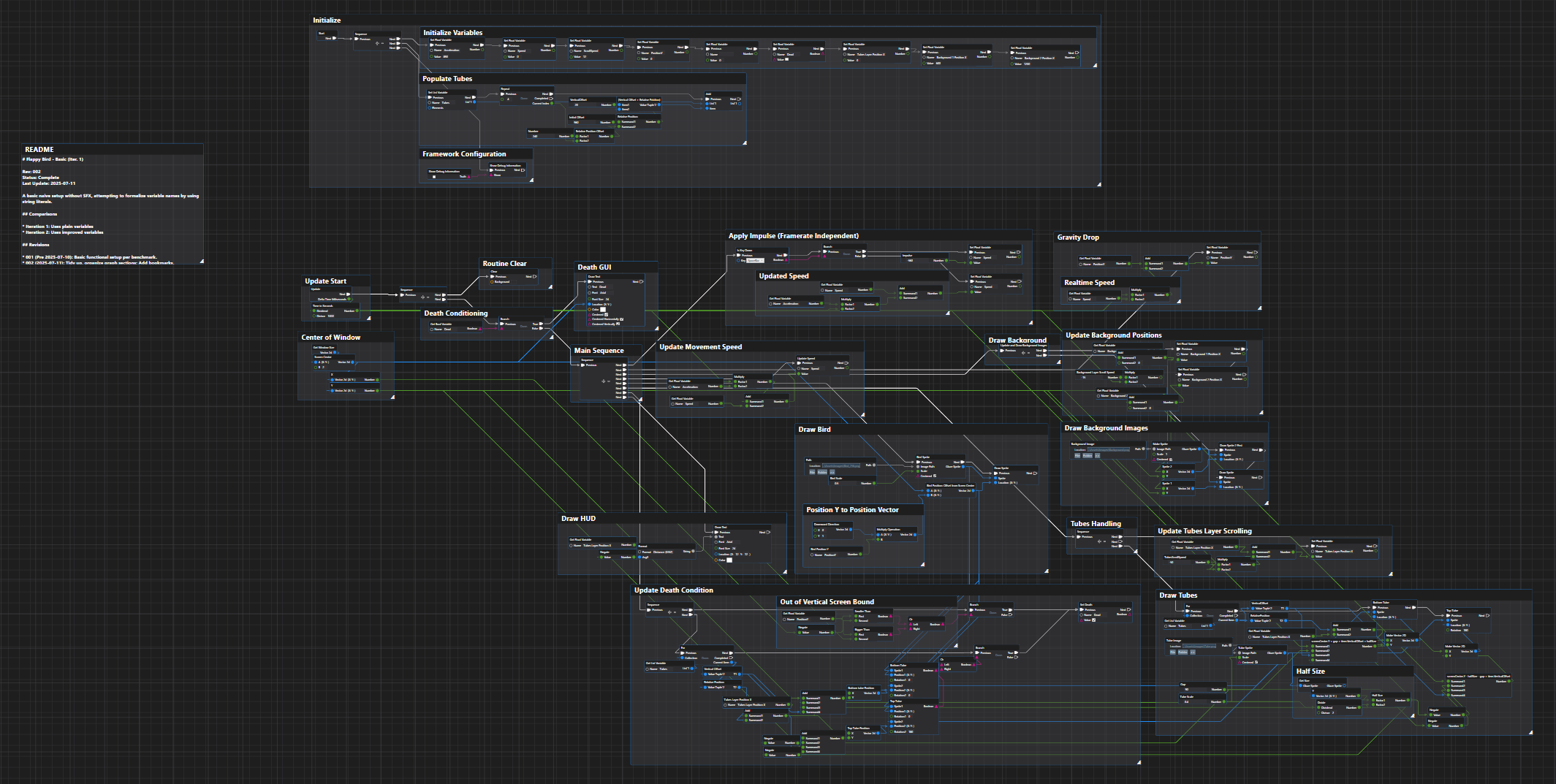
Below is the setup snapshot in Divooka.
Game knowledge involved:
- Entity spawn & management
- Collision detection
- Coordinate systems
- Rigid body kinematics
- HUD and rendering order
- Keyboard events
Preparation
Assest Download
Folder Structure
(Screenshot/Tree of game folder)
Program Setup
The Simplest Functional Game
A single frog The moving backgrounds
Structure The Program Parts
Piece together Adding GUI
Tidy Things Up
Add Sound Effects (SFX)
Debugging & Testing
End Words
In this tutorial we've seen how you can make Flappy Bird in Divooka with Glaze! The main challenge from software engineering perspective is with collision handling and source code & assets management.
With techniques covered in this tutorial, you are now able to develop simple 2D video games with HUDs and solid objects - however, you are not yet able to handle objects that are "deformable", e.g. Angry Birds.
Further Development
For simplicity, we used custom events to vreak down procedural logoc, a better way is to define functions as subgraphs.
Some improvements you can make to the game:
- Add sound effect when the bird flapts/hits/dies.
- Handle procedural generation of the tubes by automatically delete ones of out sight and generate new ones on the fly
- Better handle background image