
Debugging Procedural Graphs
The Divooka Neo graph editor provides the capability to step through a procedural graph using the GUI commands you can find at the top-left corner of the graph canvas.
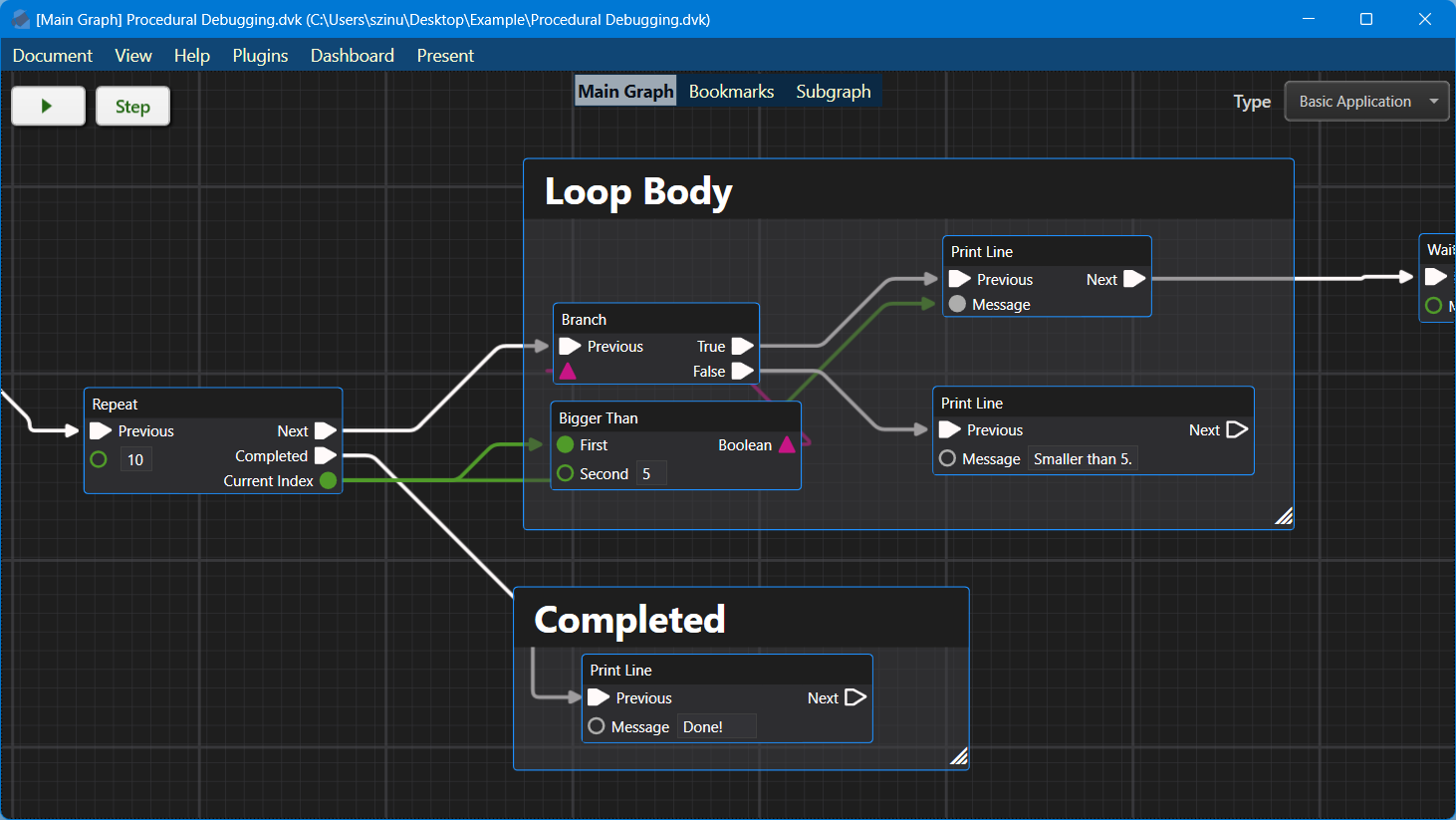
The two buttons indicates two ways to run a procedural graph:
- Run: Run without debugging.
- Step: Step into the program and watch nodes execute one by one. You will have the option to let it "Continue" and finish.
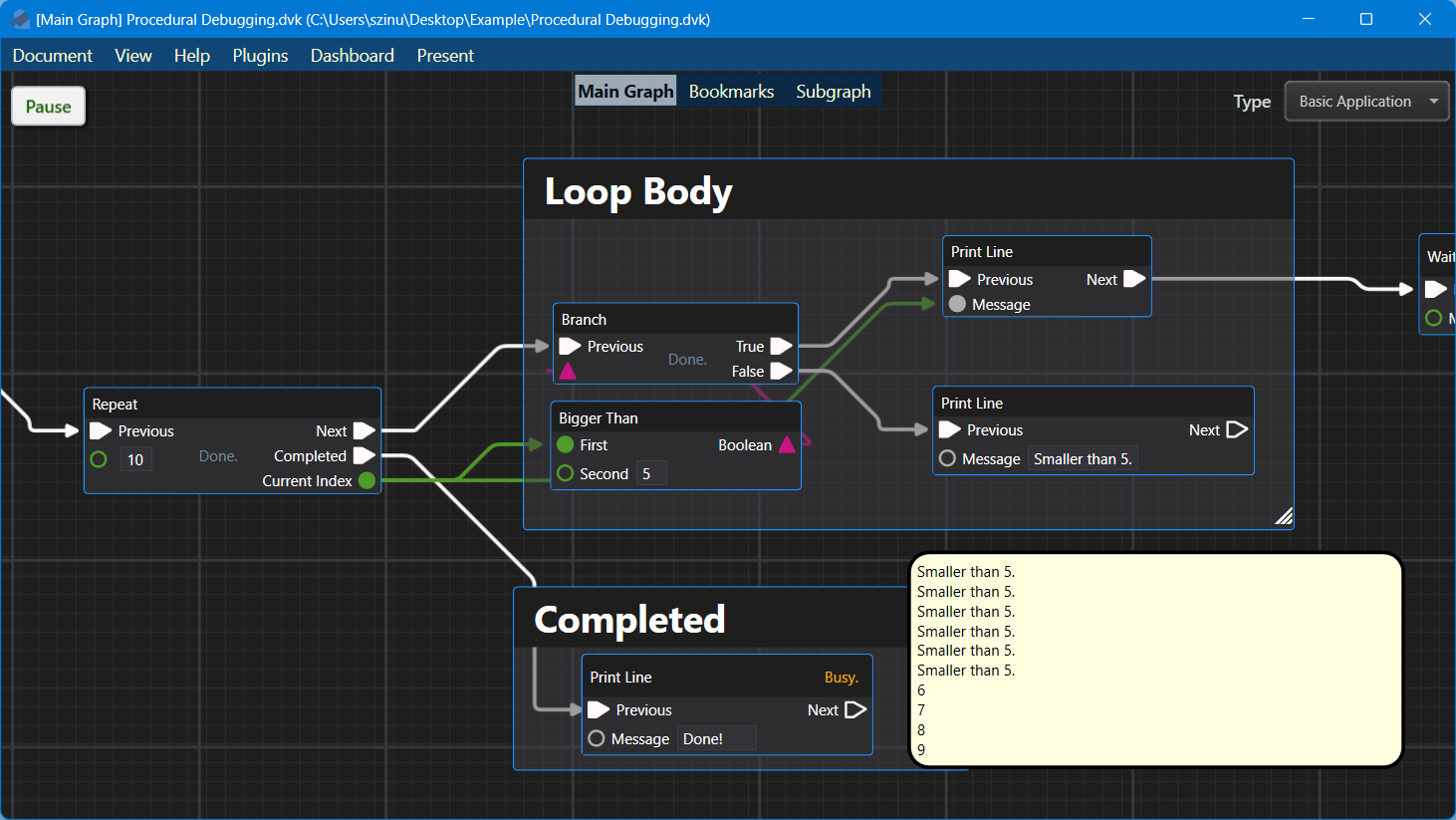
Run Mode
In run mode, the program executes without interruption. However, you can Pause it at any time to enter debug mode.
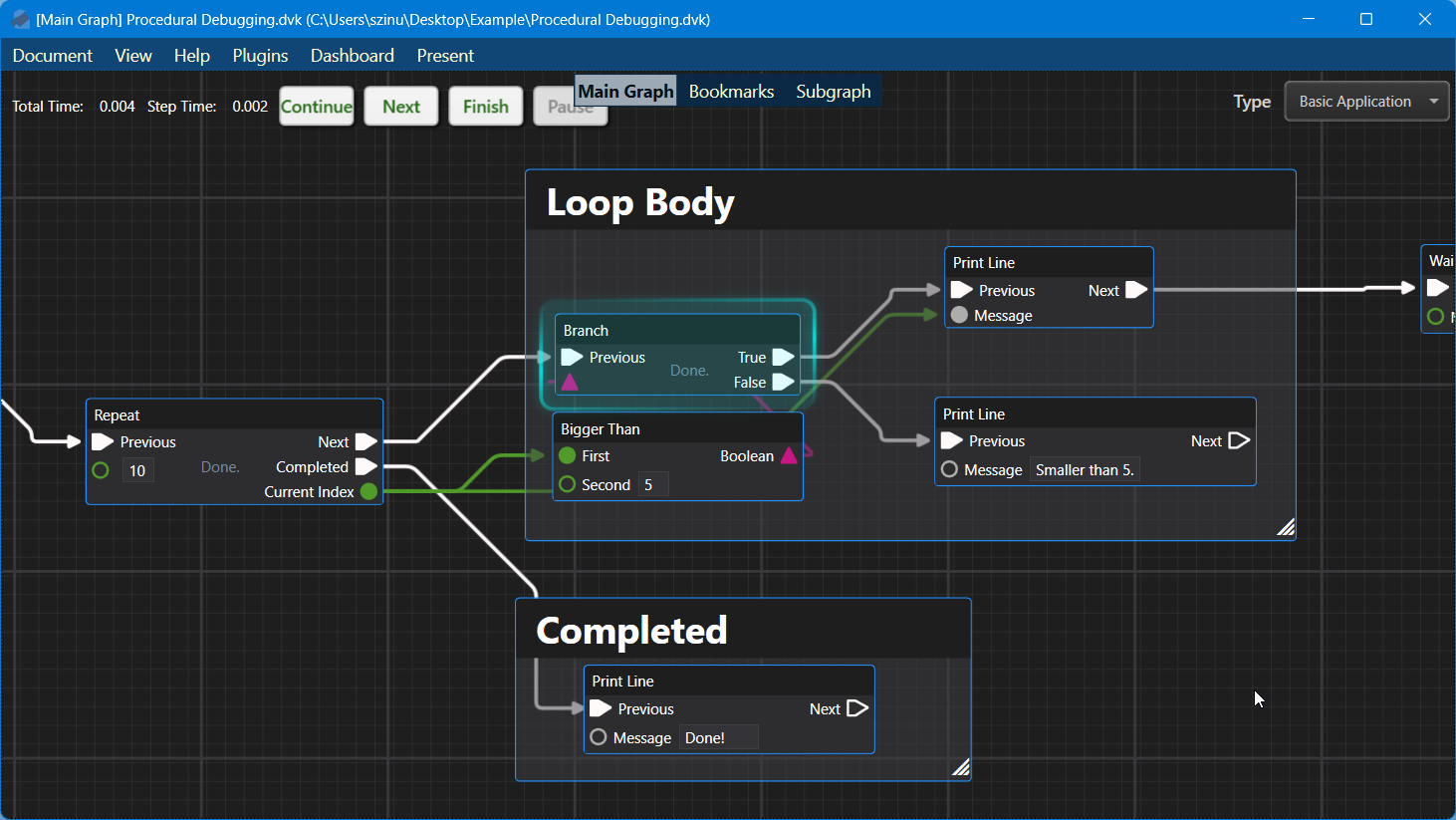
Step Mode
The Step button enters debug mode immediately, and you can use Continue to resume execution without debugging, Next to move to the next node, or Finish to abort execution.
Debug Window
Pending...